Ice Hockey Scoreboard Software
Three periods, overtime and the shoot-out, minor, major and misconduct penalties with their clocks, timeouts and player lists.
iceBoard7 Pro and Lite, five ice sports in one program
One program for the ice rink. iceBoard7 runs ice hockey, para ice hockey, ringette, broomball and curling on your LED display, from penalty clocks to curling ends and thinking time.
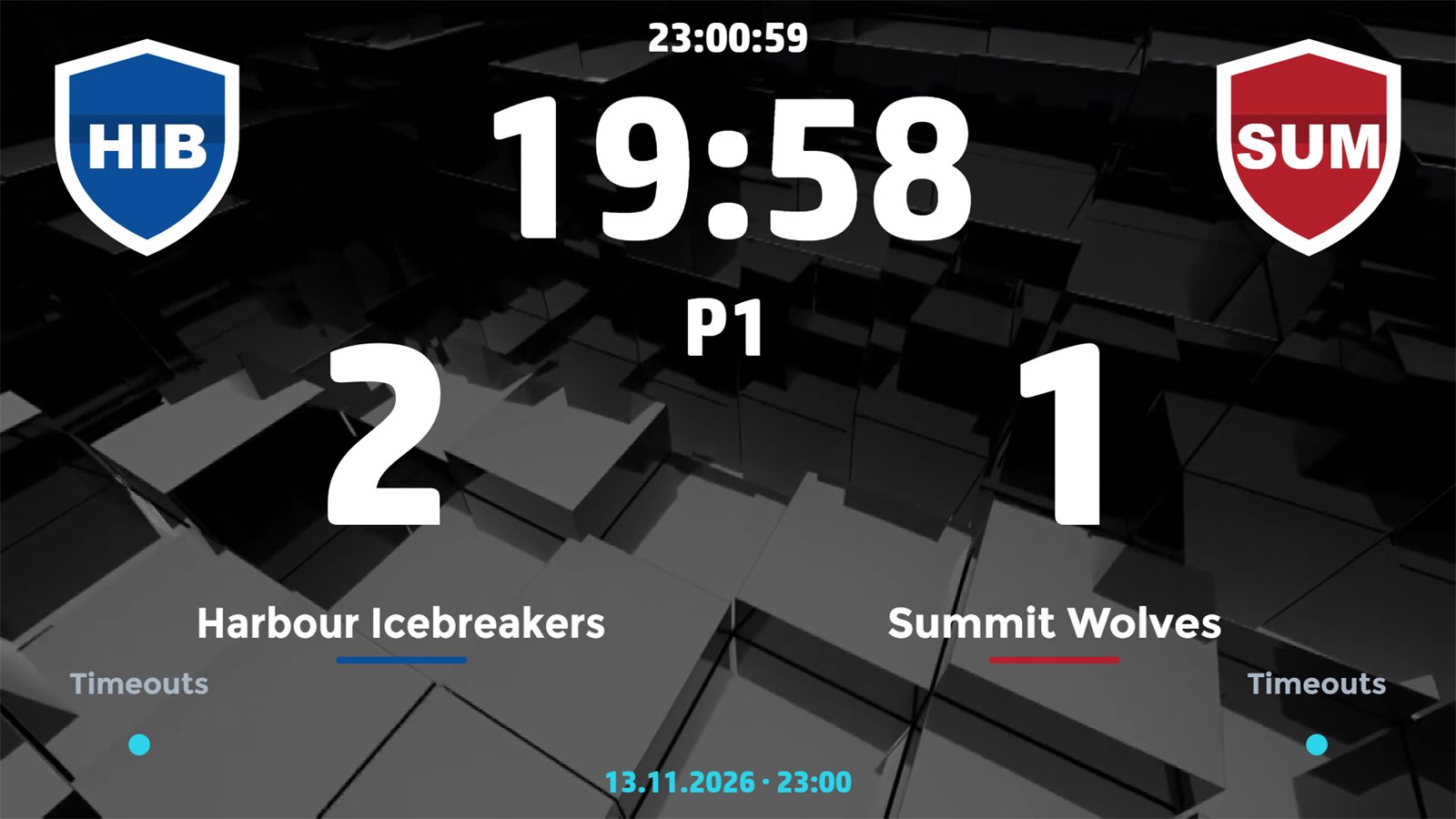
iceBoard7L (Lite) and iceBoard7 (Pro) have the same sports. Pro adds outputs, video and console input. They are separate licences, priced by the width of your LED screen in pixels.
Ice hockey, para ice hockey, ringette, broomball and curling. Pick the sport and the rule set when you start a match.
Lite drives the St output of one LED screen. Pro adds the Sp, Ad and CK outputs, NDI and video sources for the screen and the broadcast.
Reads the real-time data of compatible consoles and timing systems: Daktronics All Sport 5000, Stramatel 452, Bodet Scorepad and Kazo Vision Ultra Score. The console then drives the match.
Every phone or tablet on the venue network becomes a remote on port 1907, protected by a PIN. Nothing to install.
Team lists, results, officials and announcements between the action. The design editor changes colours, fonts and layouts.
One payment, a PC key and a USB key. Lite from $500, Pro from $1,000, priced by the width of your LED screen in pixels.
Every sport below is in both editions and in one licence. Each sport has its own control panel, remote page, board designs and info screens.
Three periods, overtime and the shoot-out, minor, major and misconduct penalties with their clocks, timeouts and player lists.
Para ice hockey with its own period length and the same penalty handling.
4 × 10 min, 2 × 20 min and U14 2 × 15 min, the shot clock and penalties.
Round robin and playoff games with periods, goals and penalties.
8 or 10 ends, club curling, mixed doubles, wheelchair curling and wheelchair mixed doubles. Scores per end, hammer, thinking time and timeouts.
Every sport of iceBoard7 with all its boards, the control panel and the phone remote: 38 pictures from the licensed program with the demo teams and logos that the setup installs. Click a picture to see it large. Sp, Ad and CK are Pro outputs.
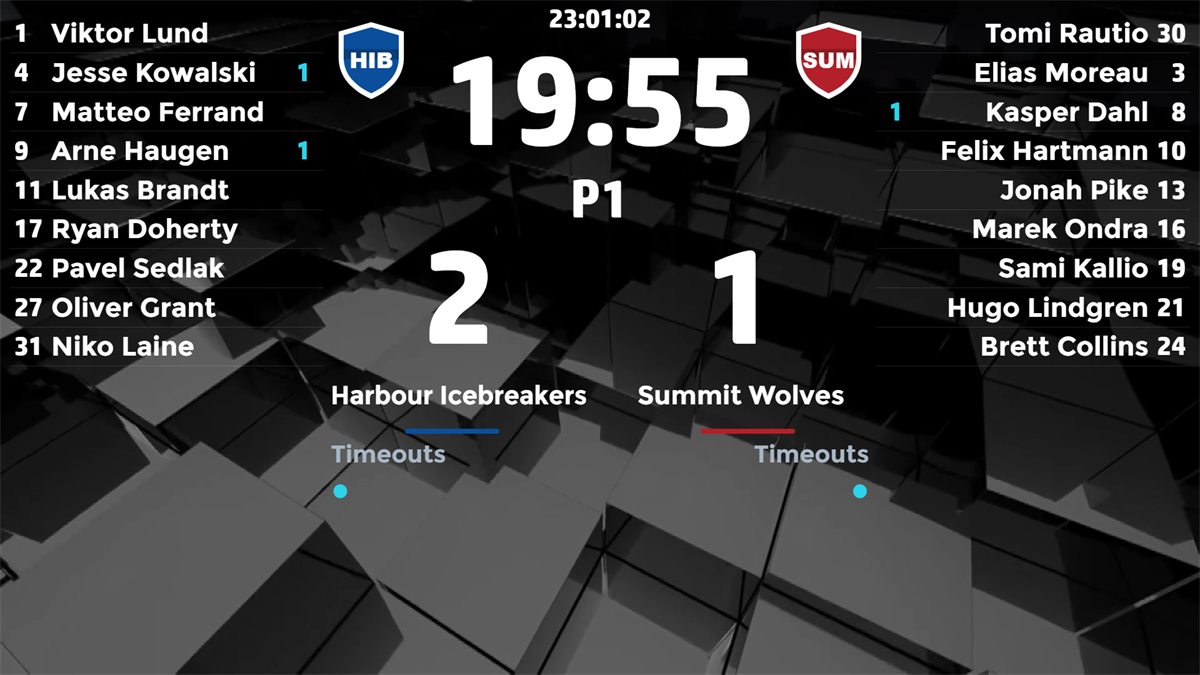
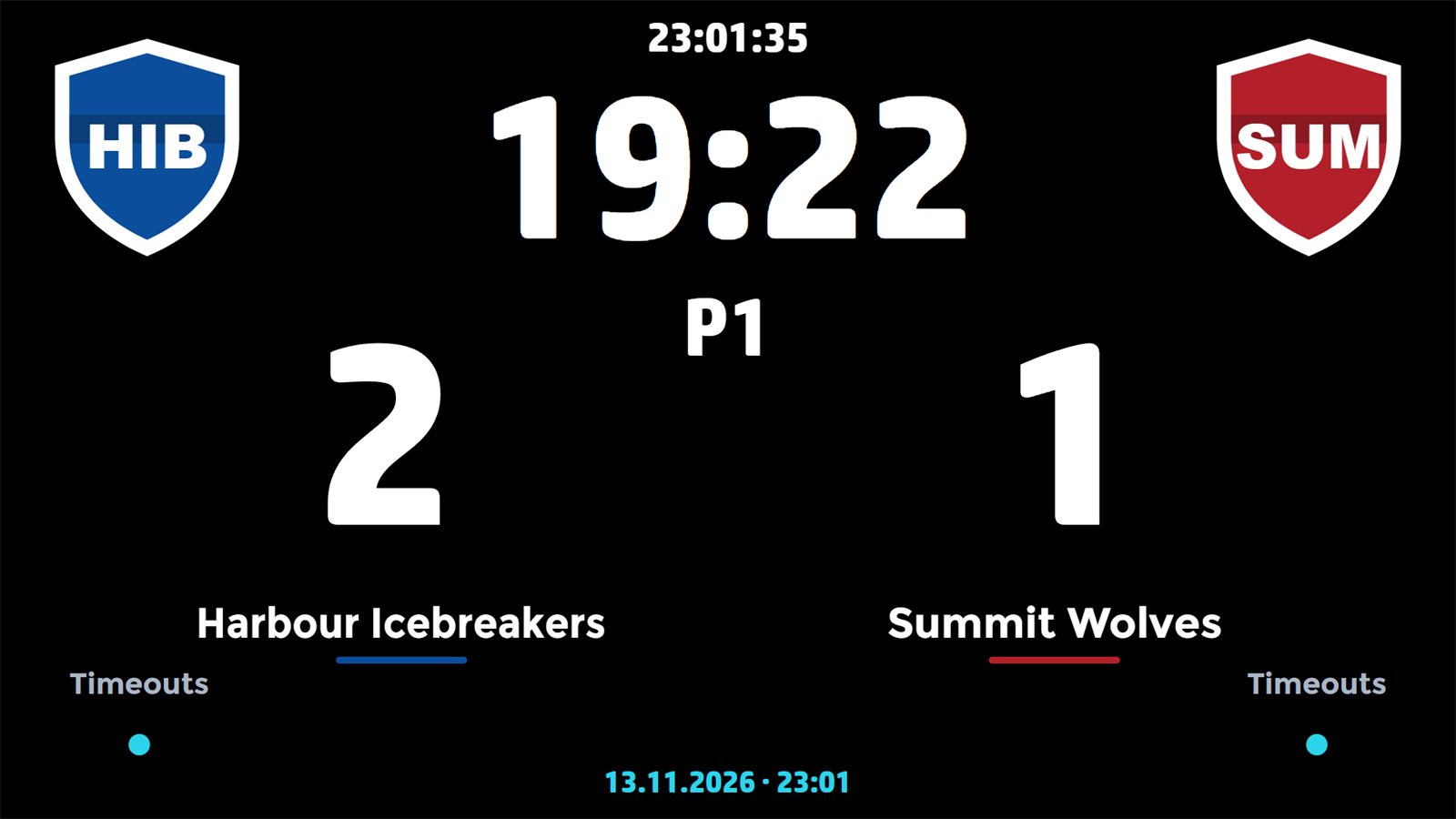
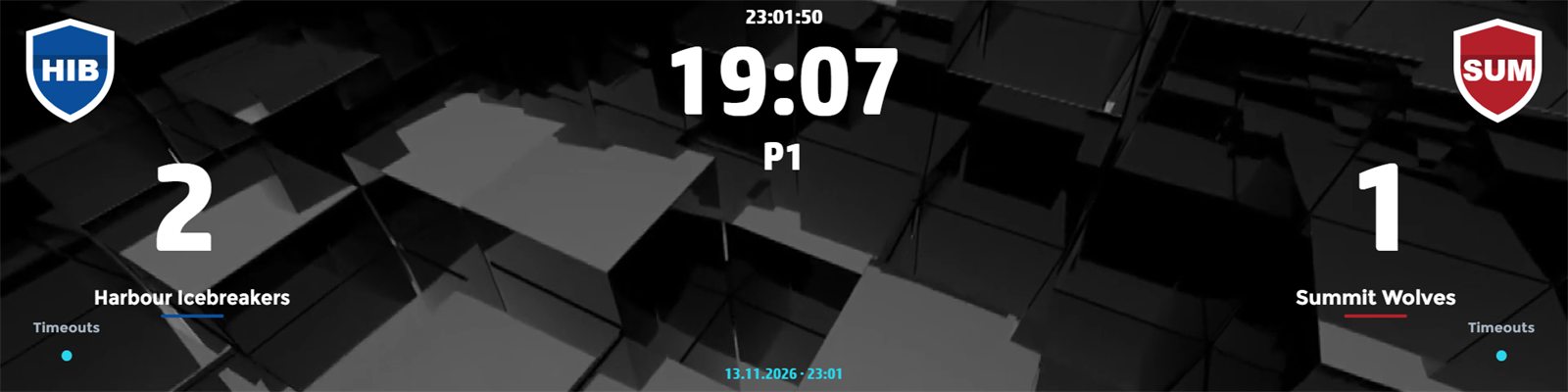
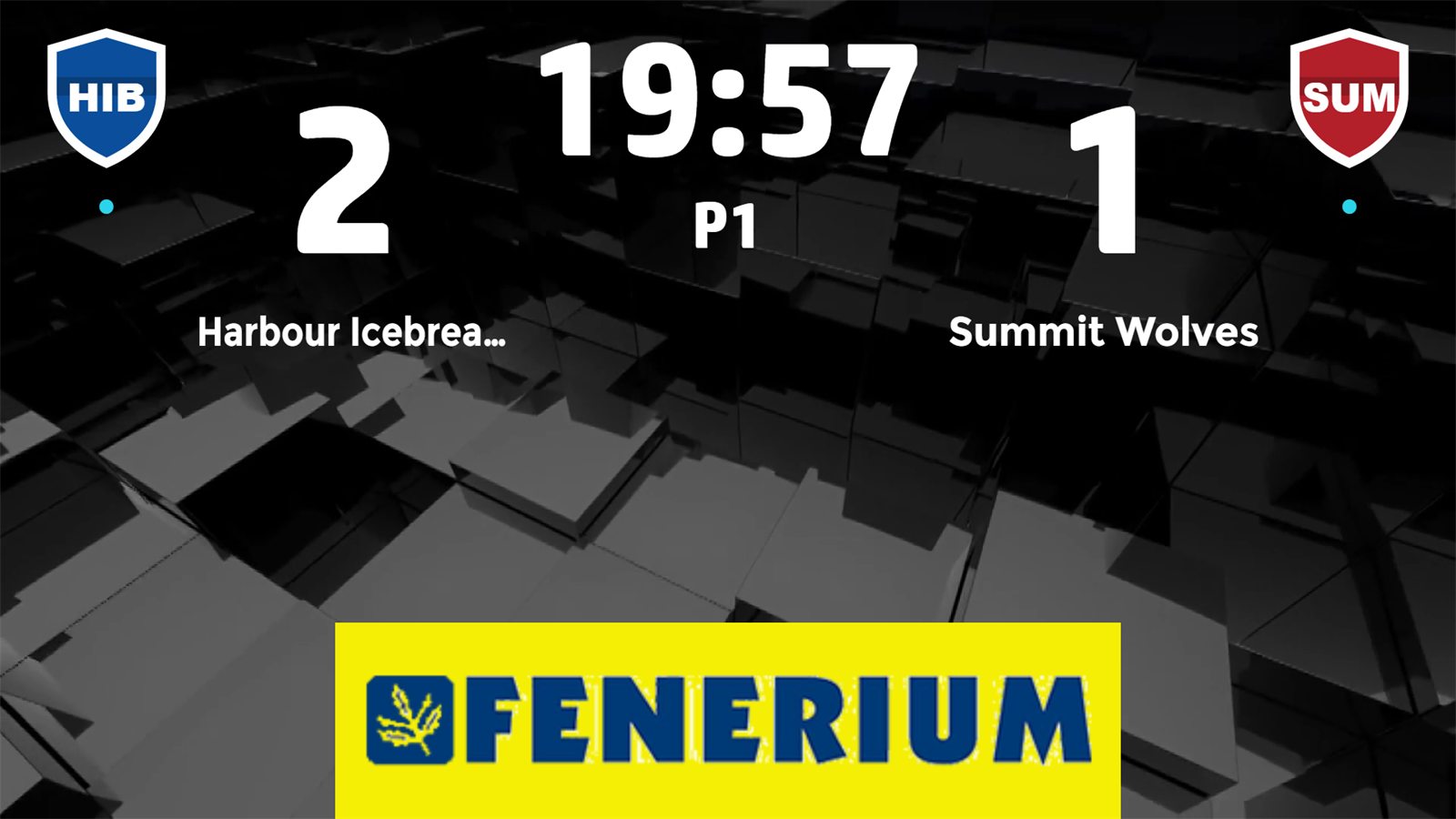
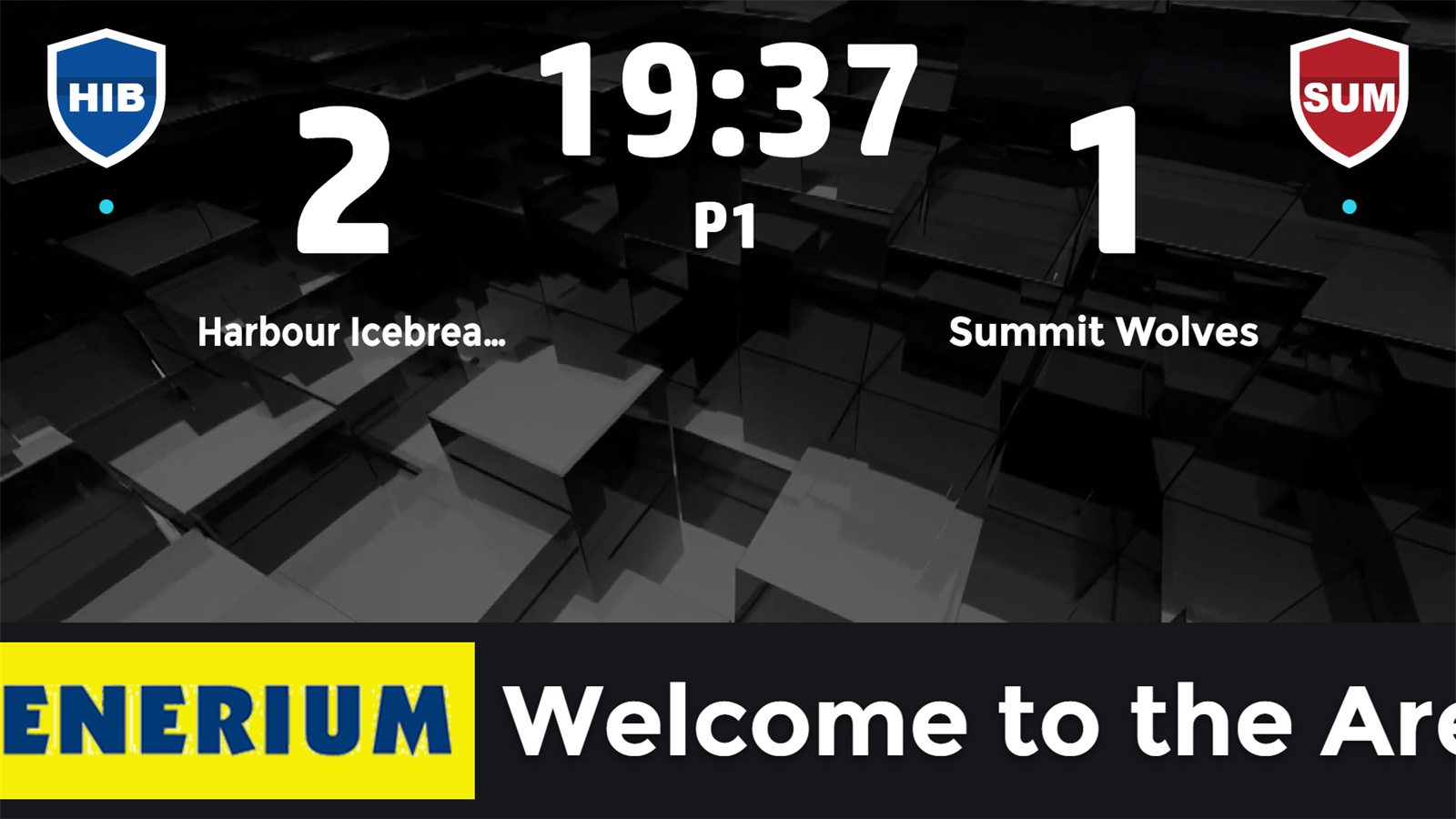
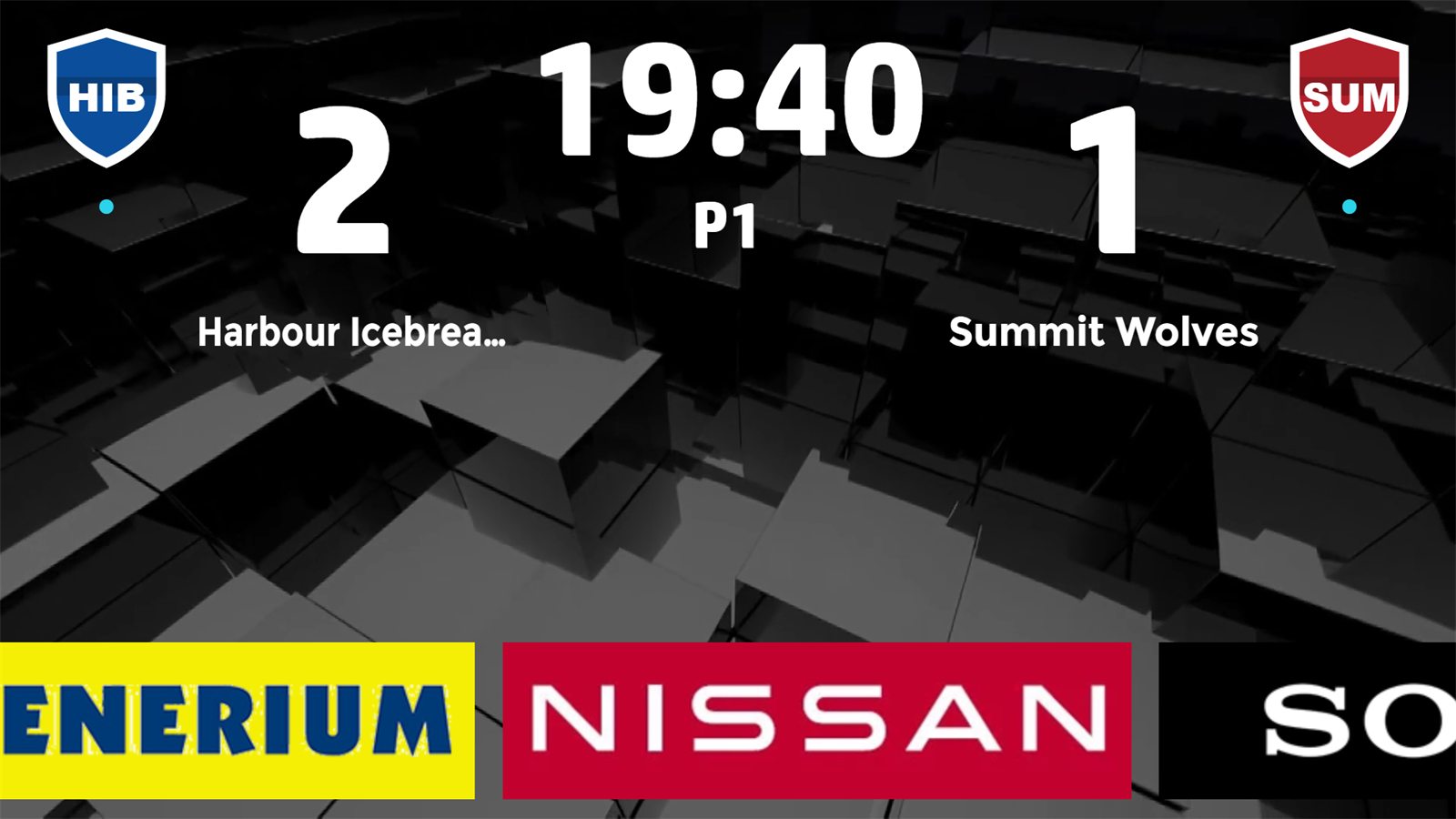
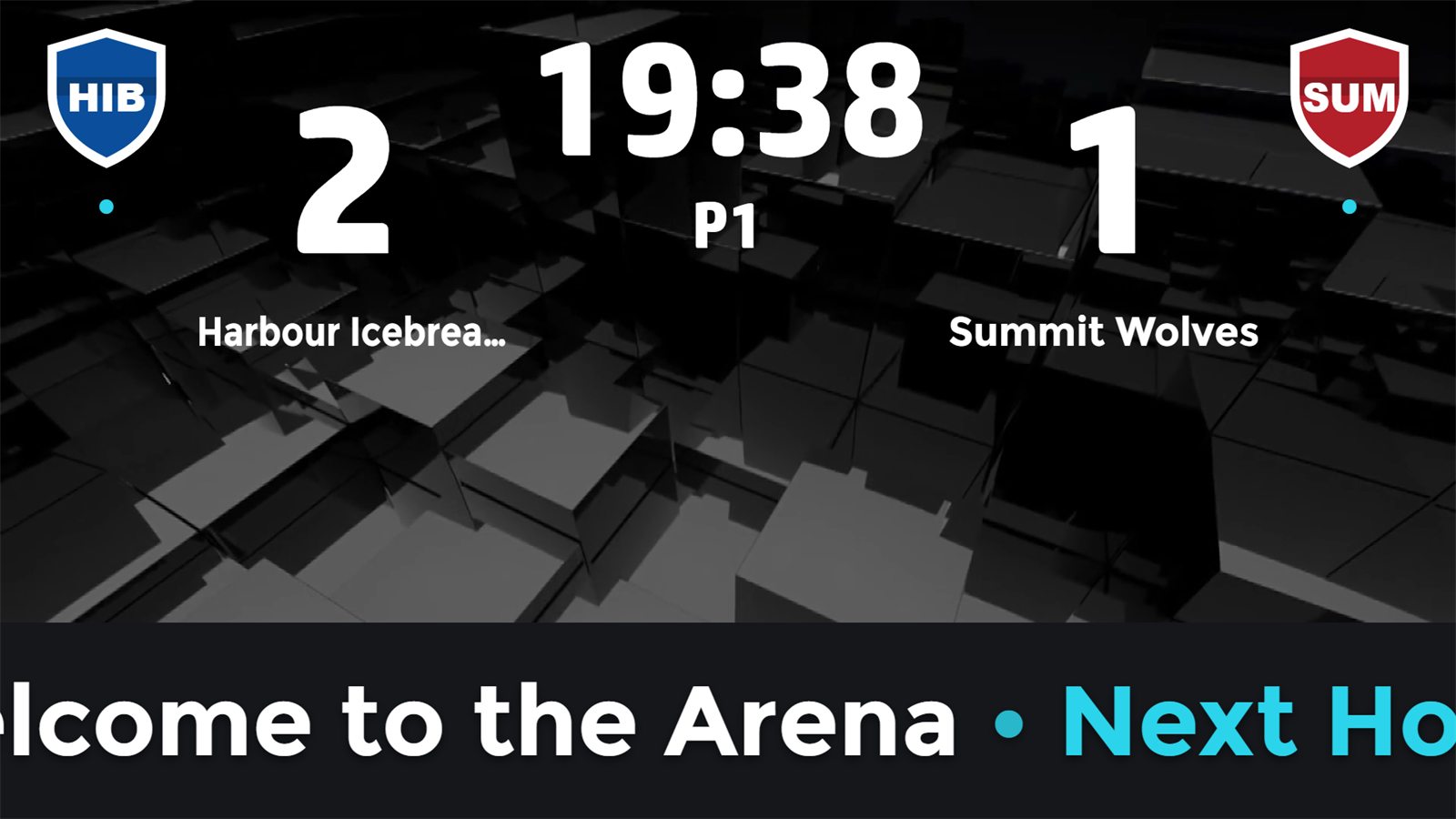
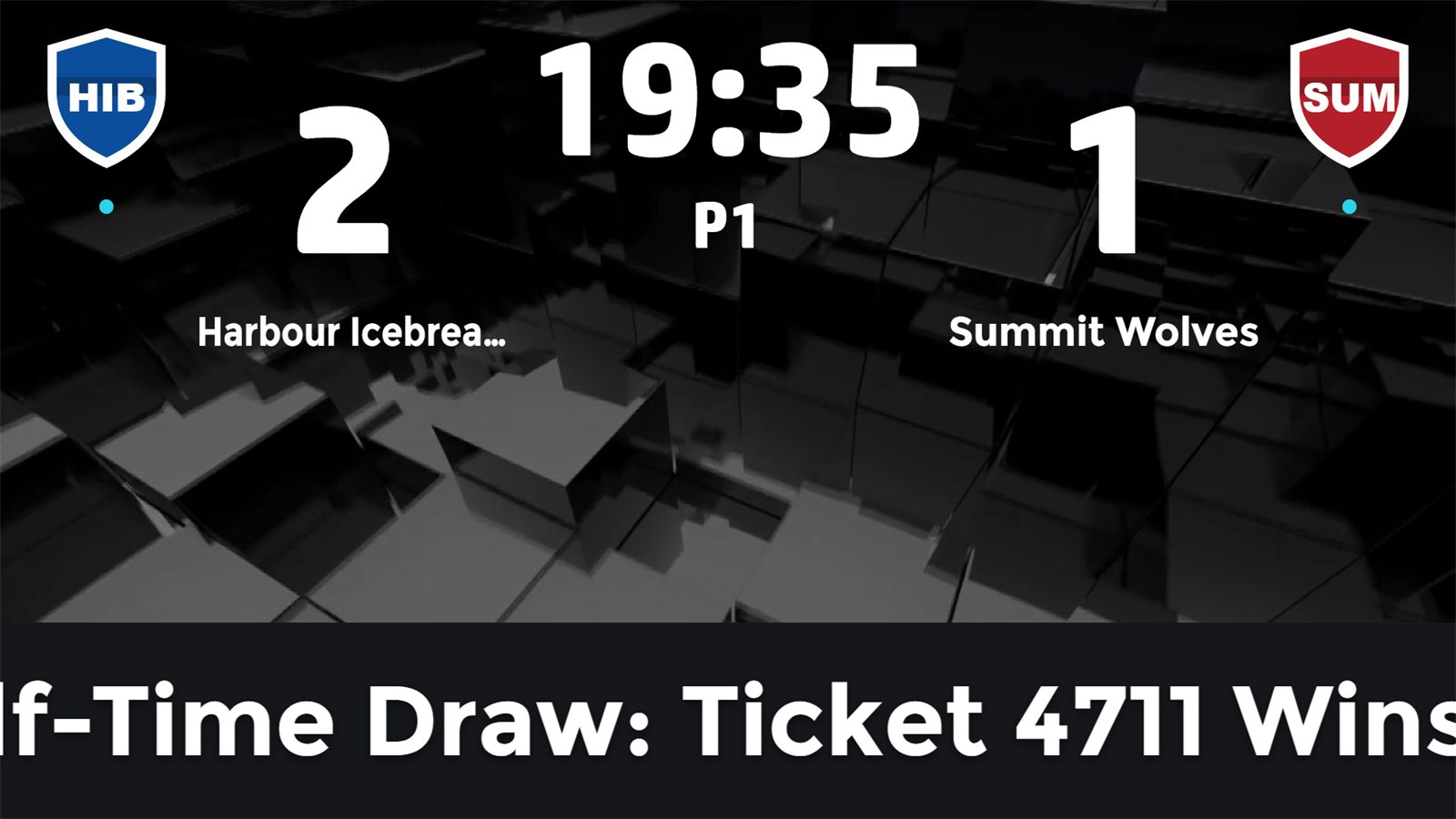
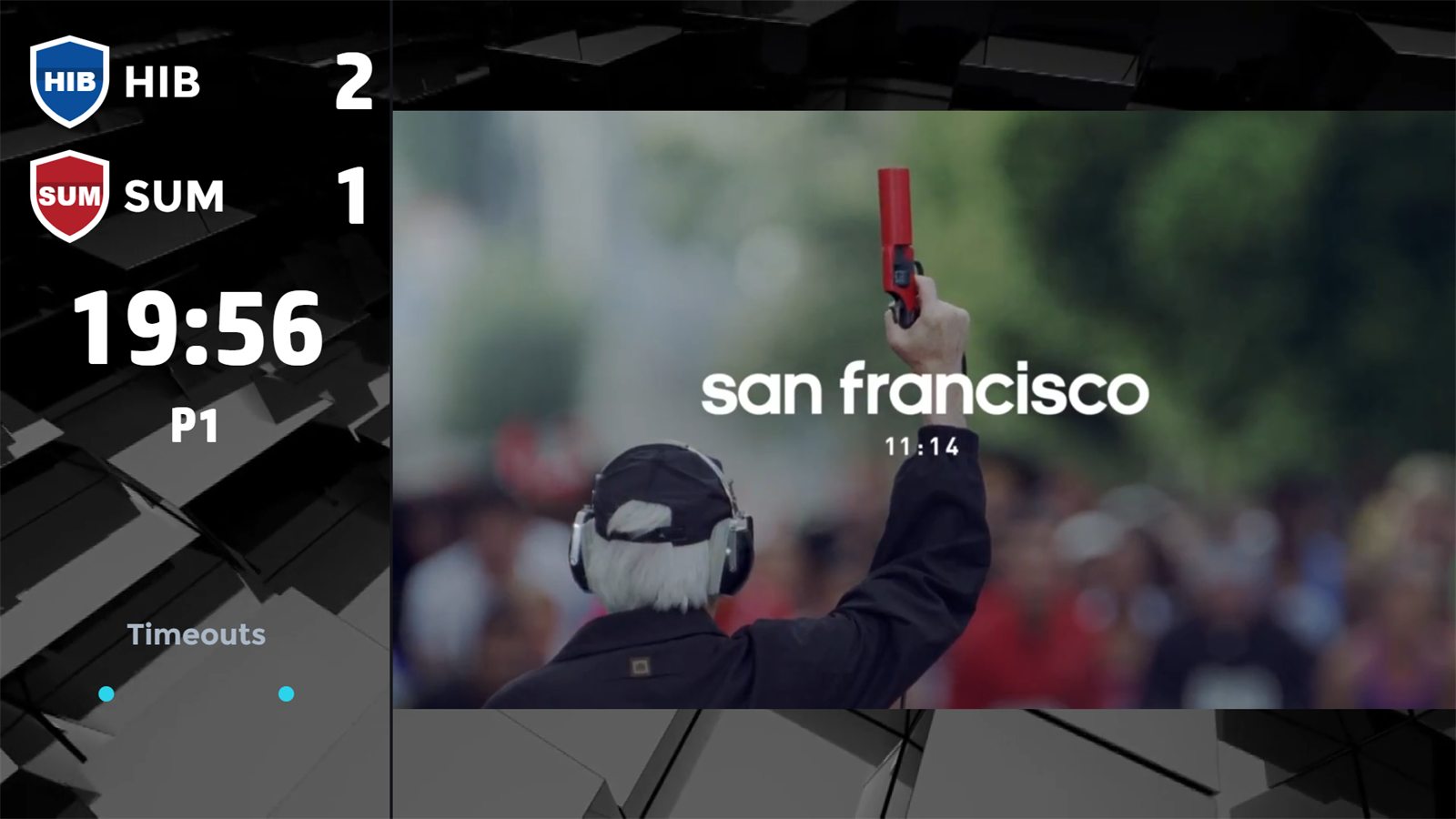
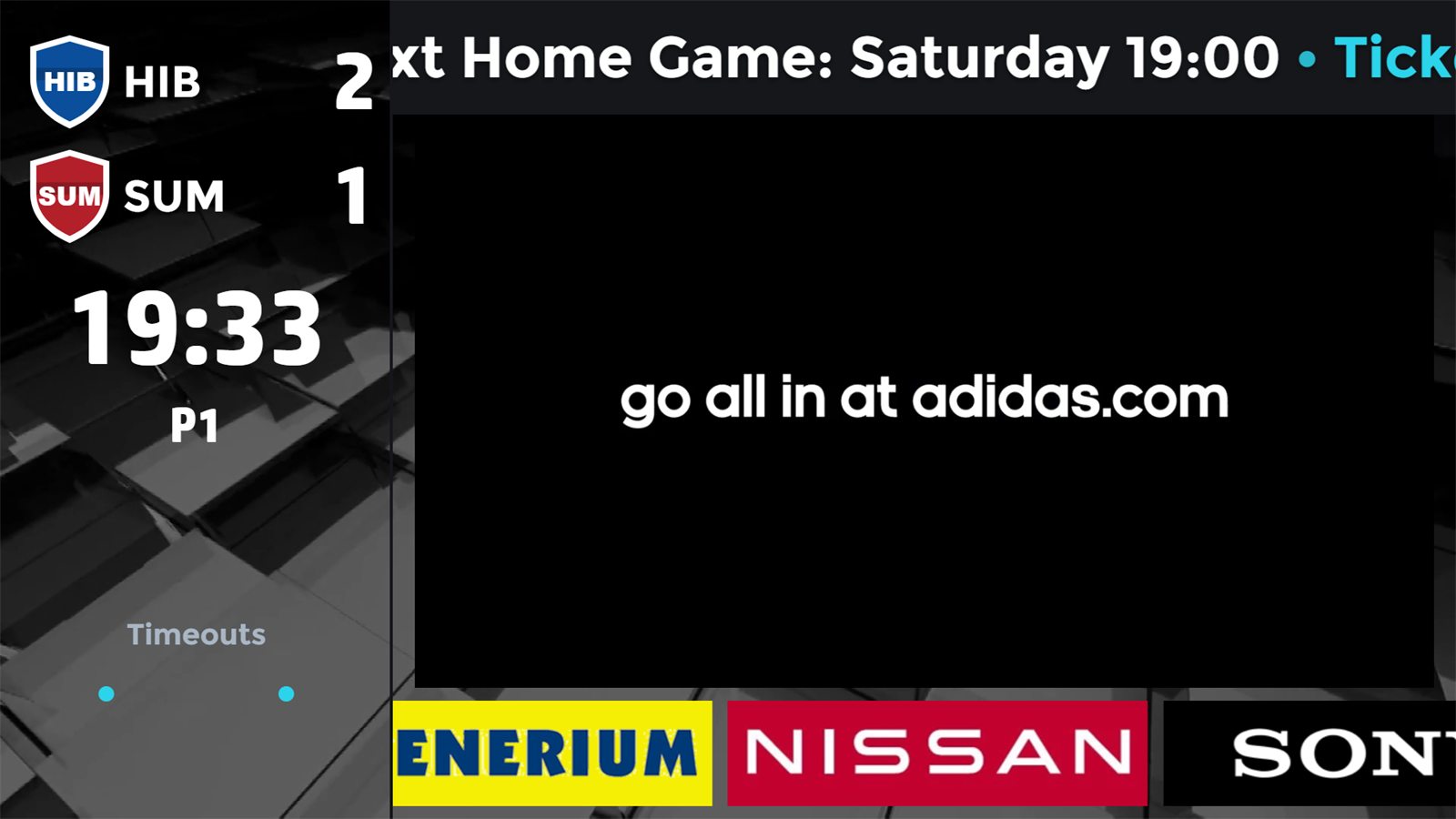
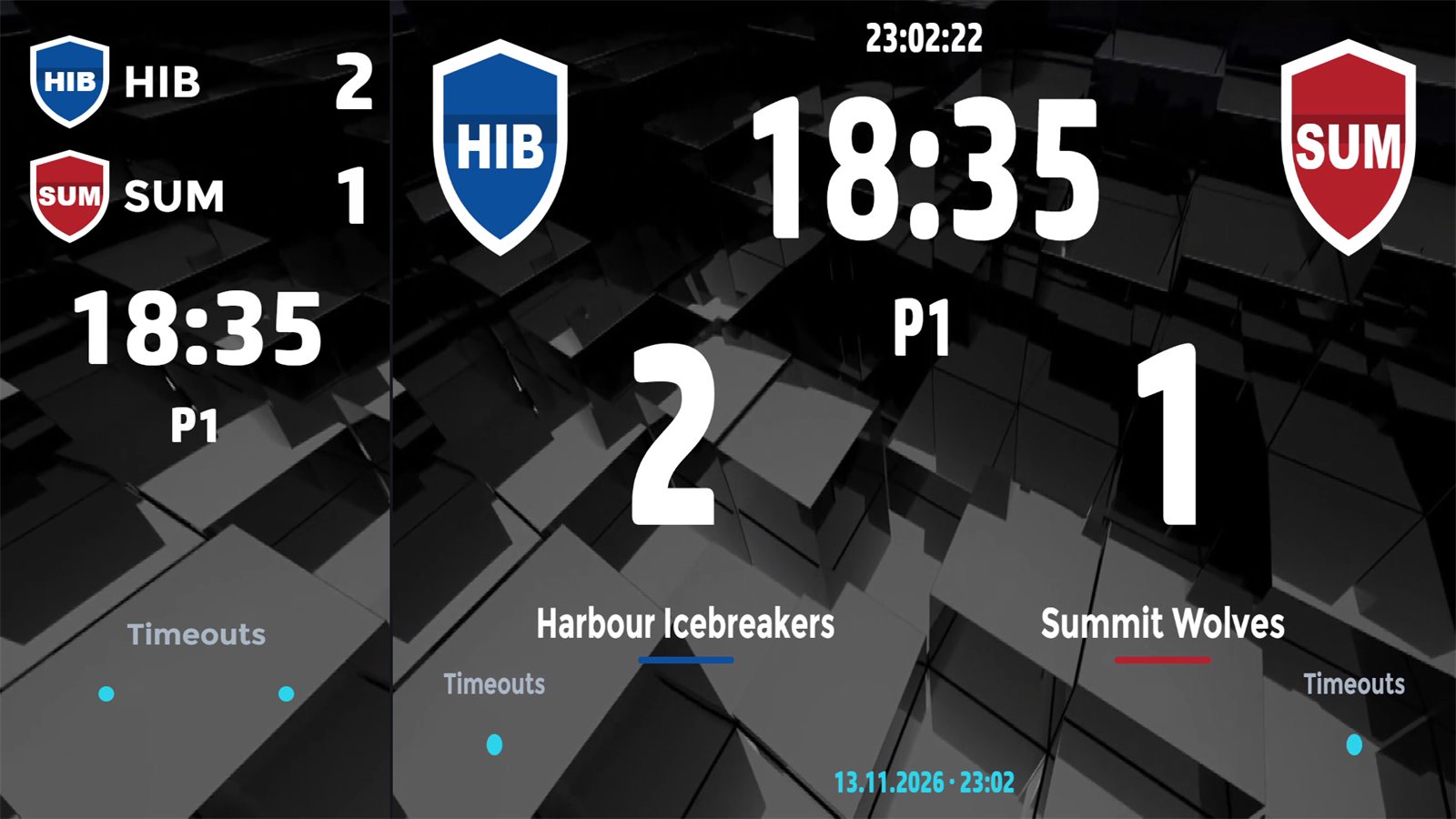
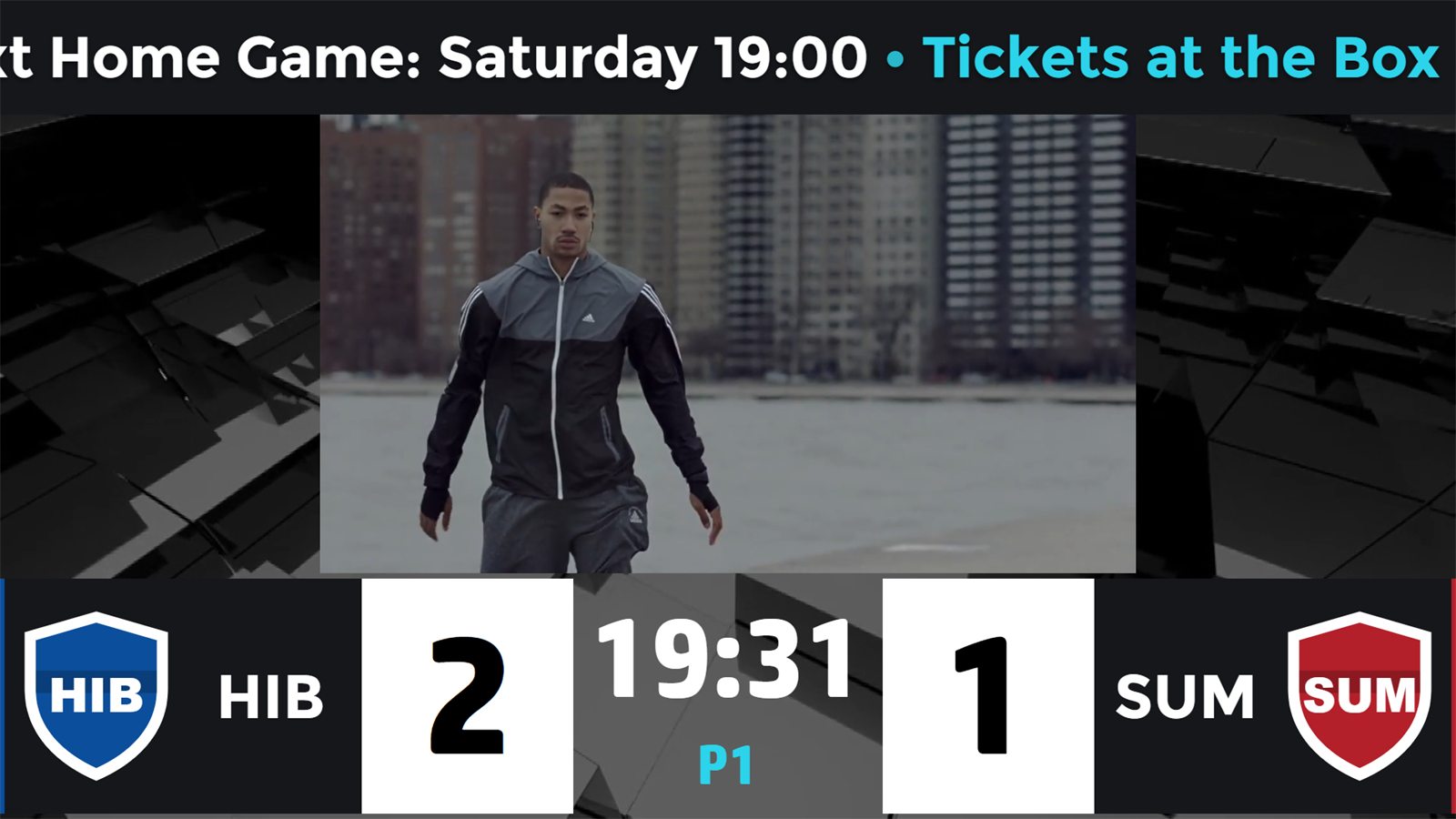
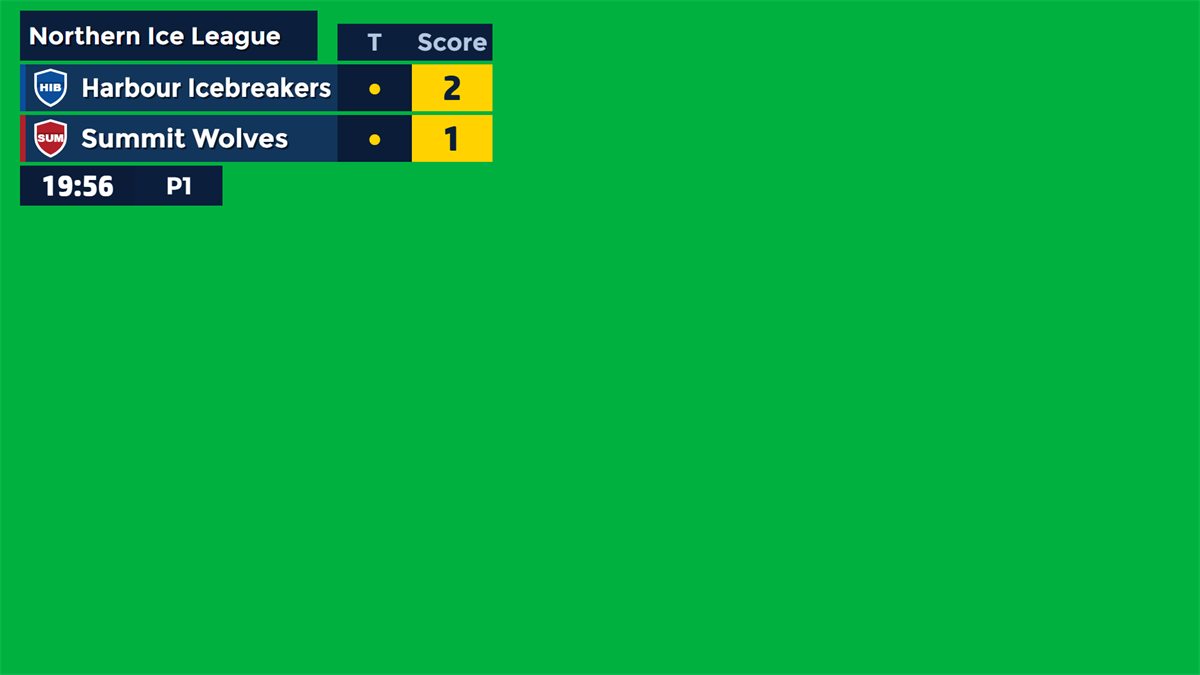
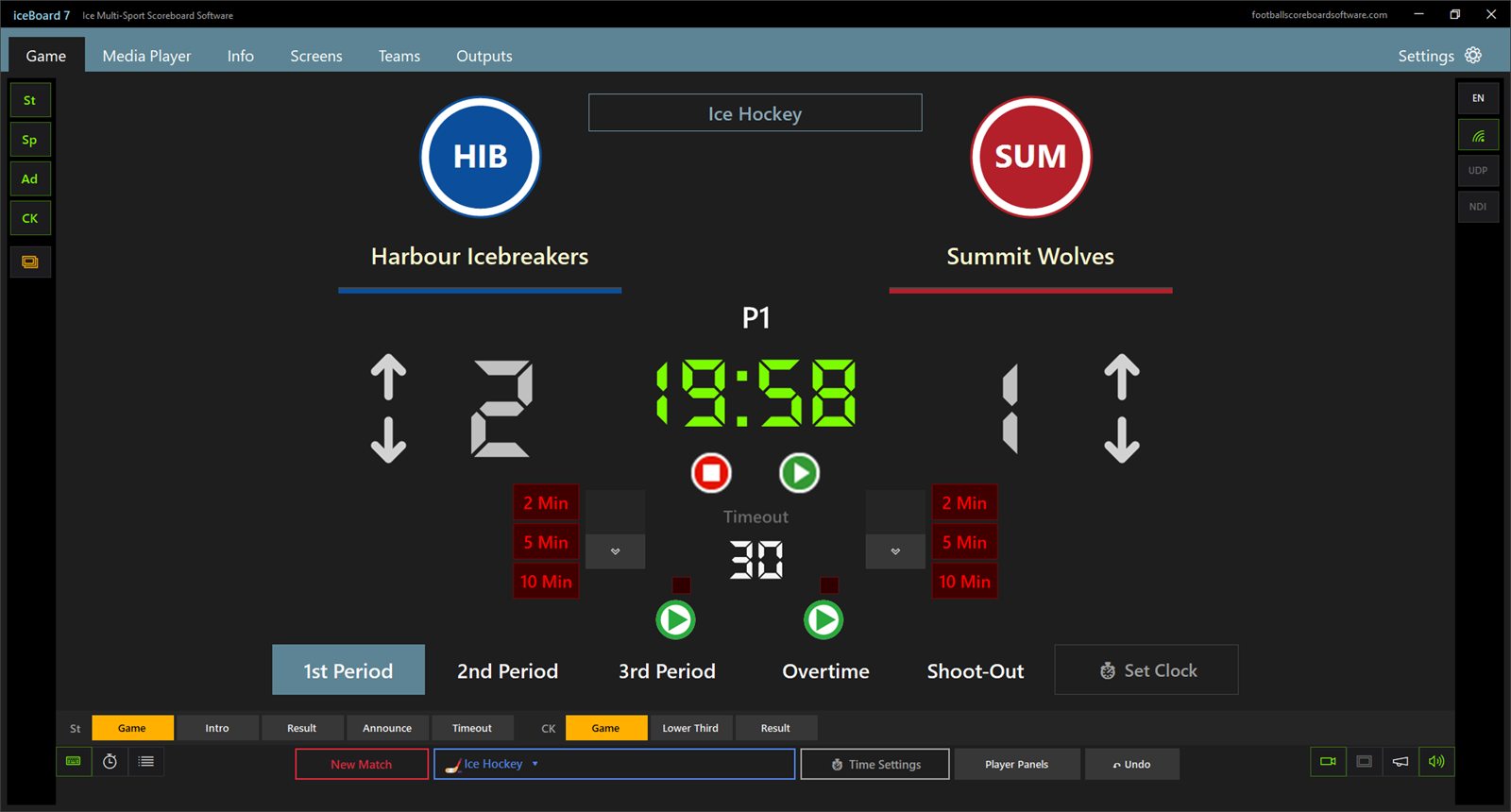
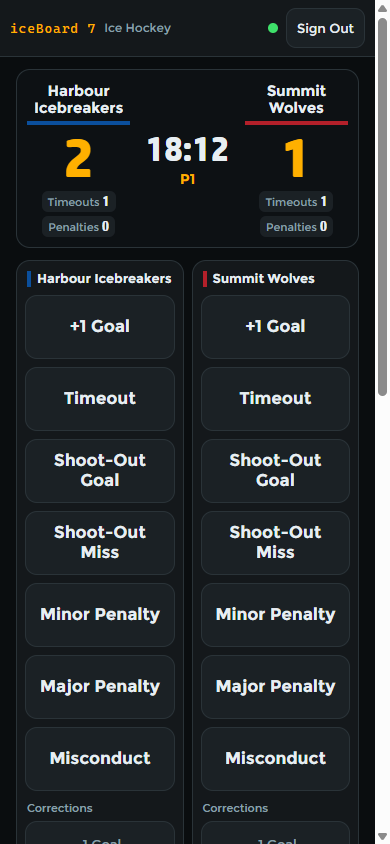
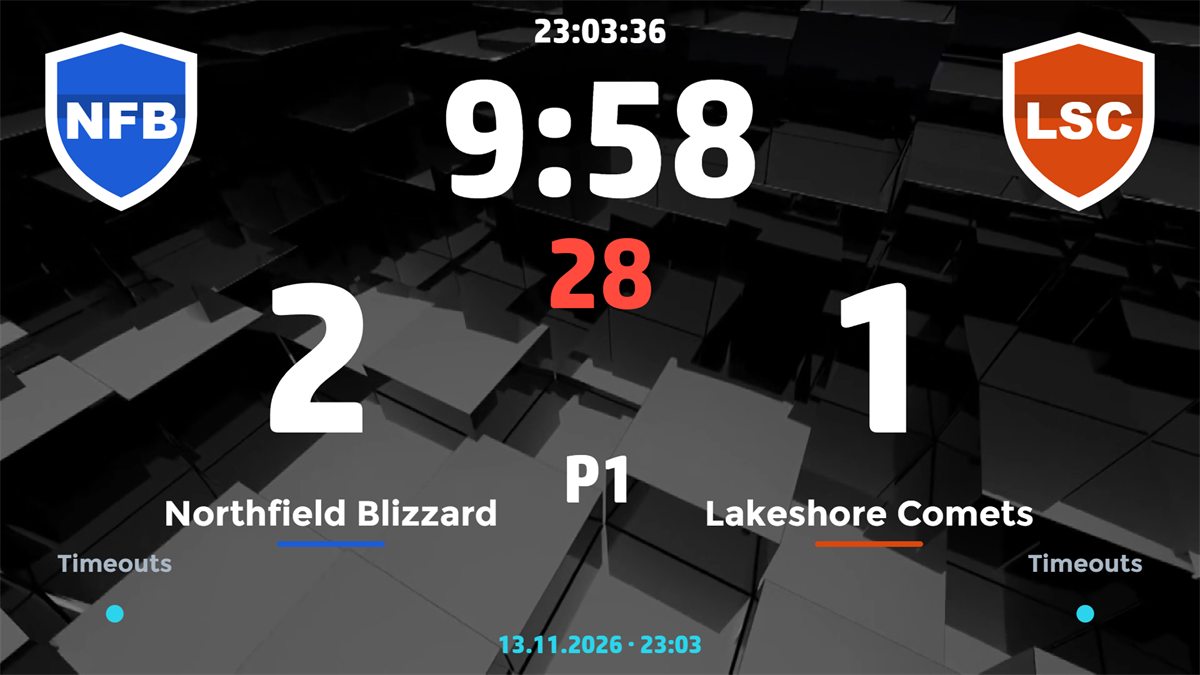
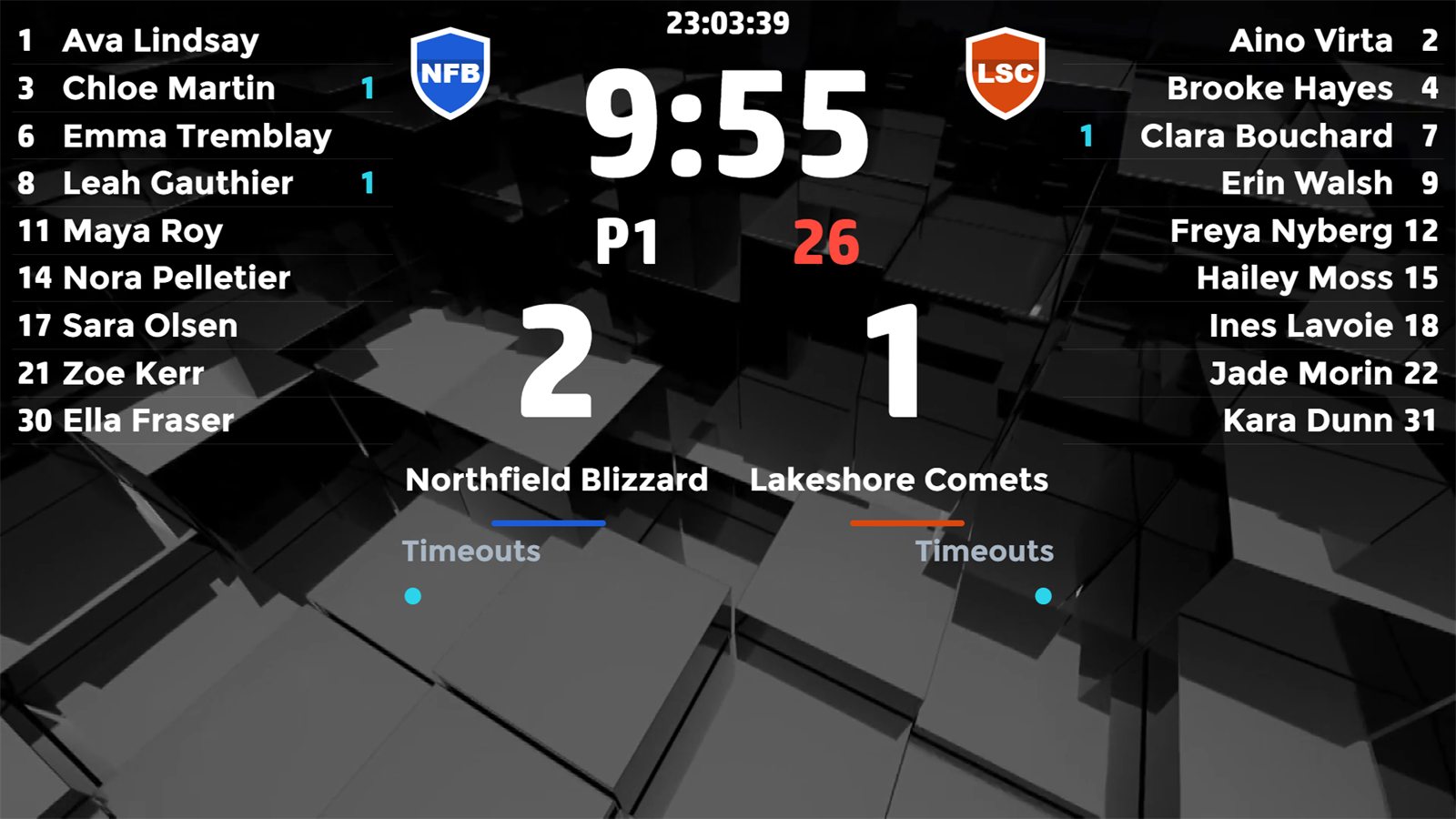
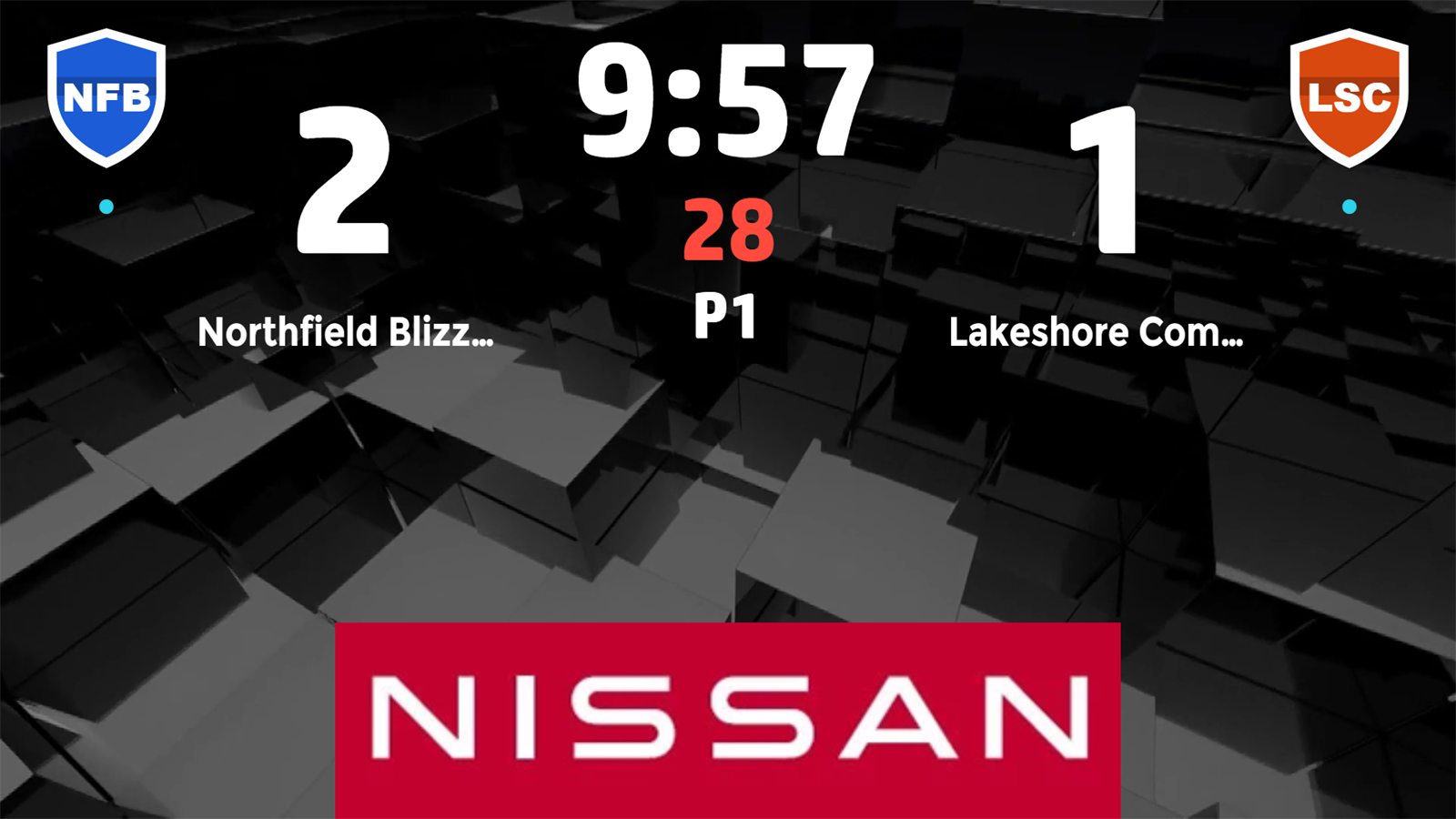
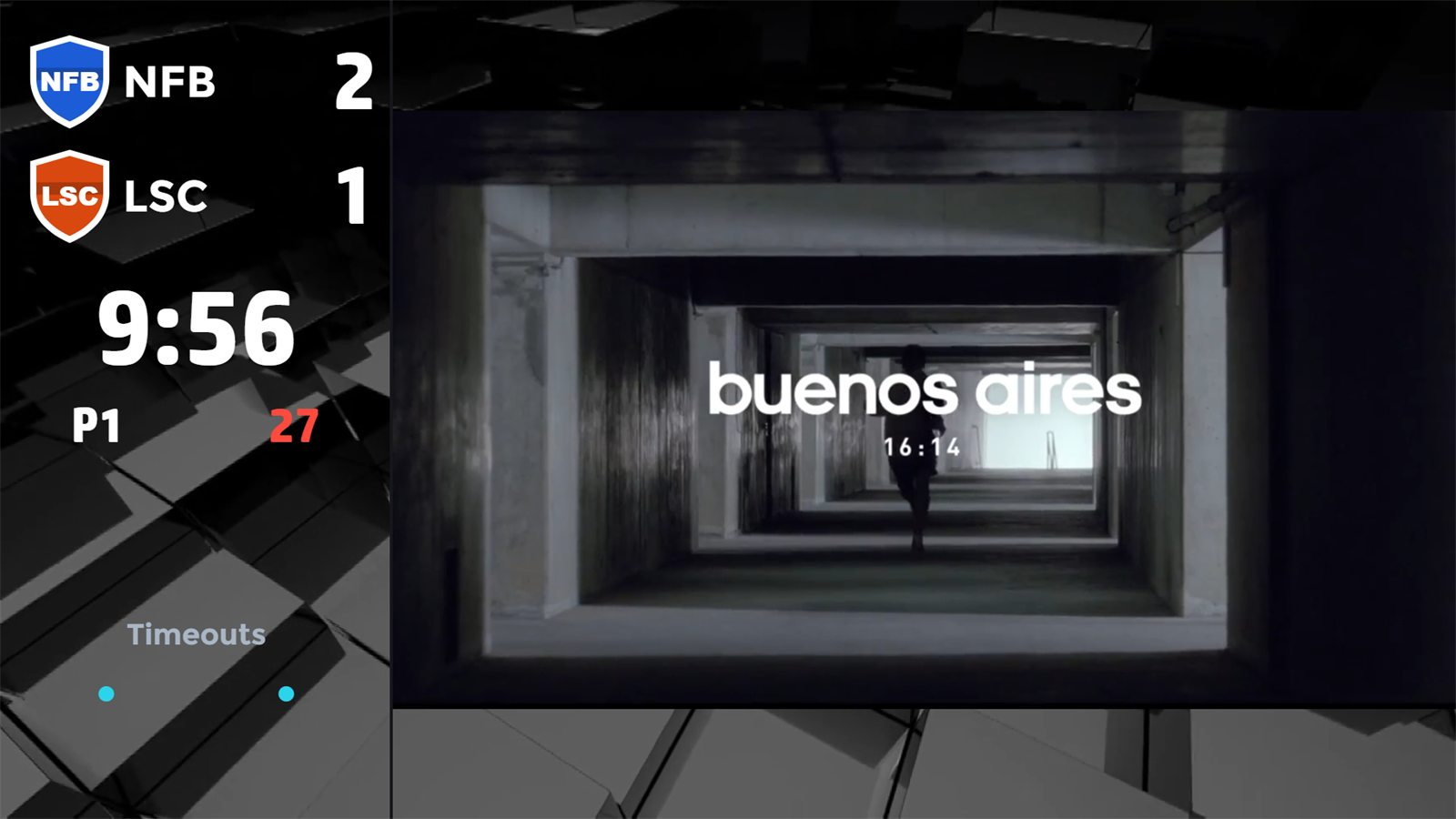
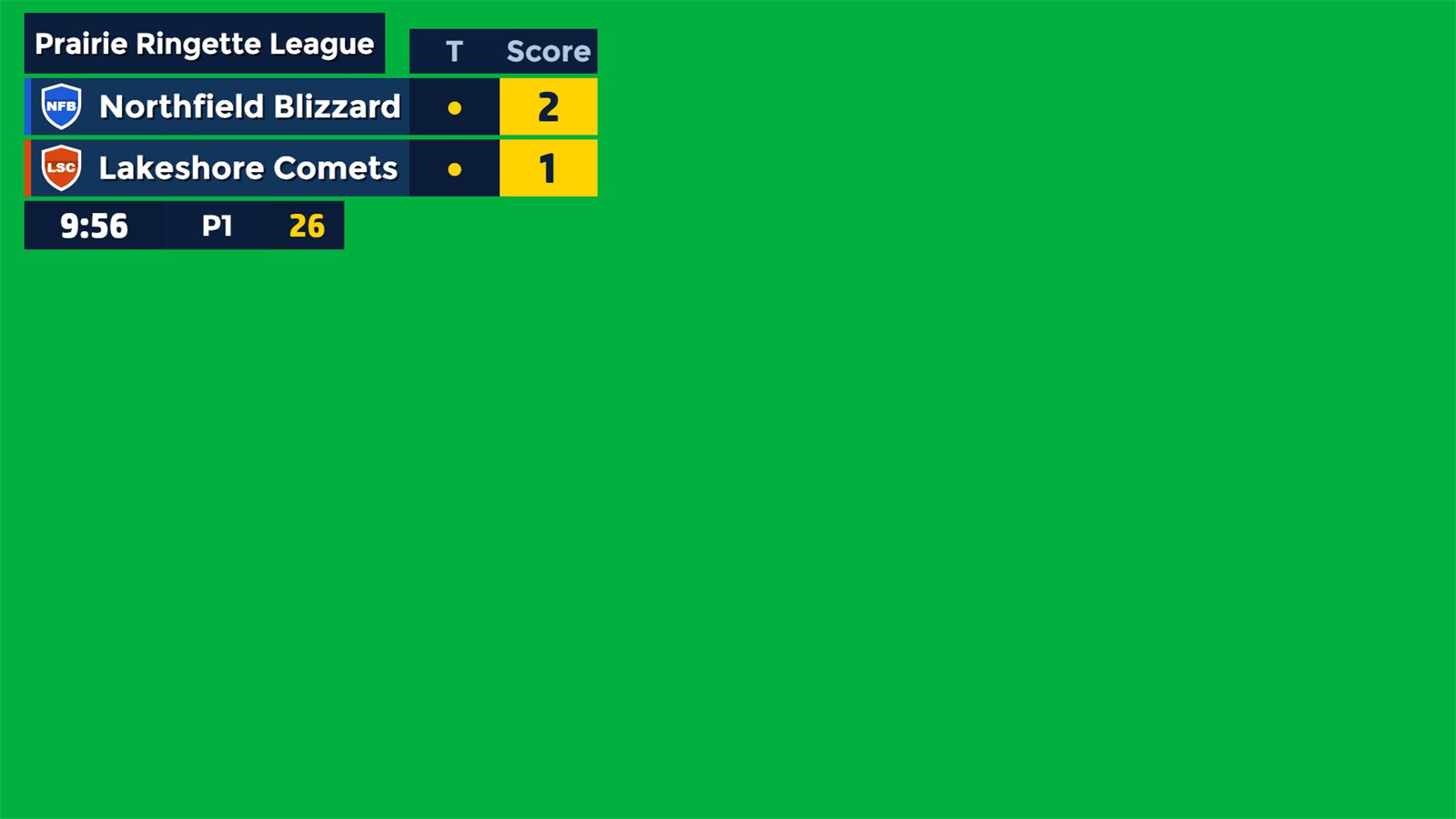
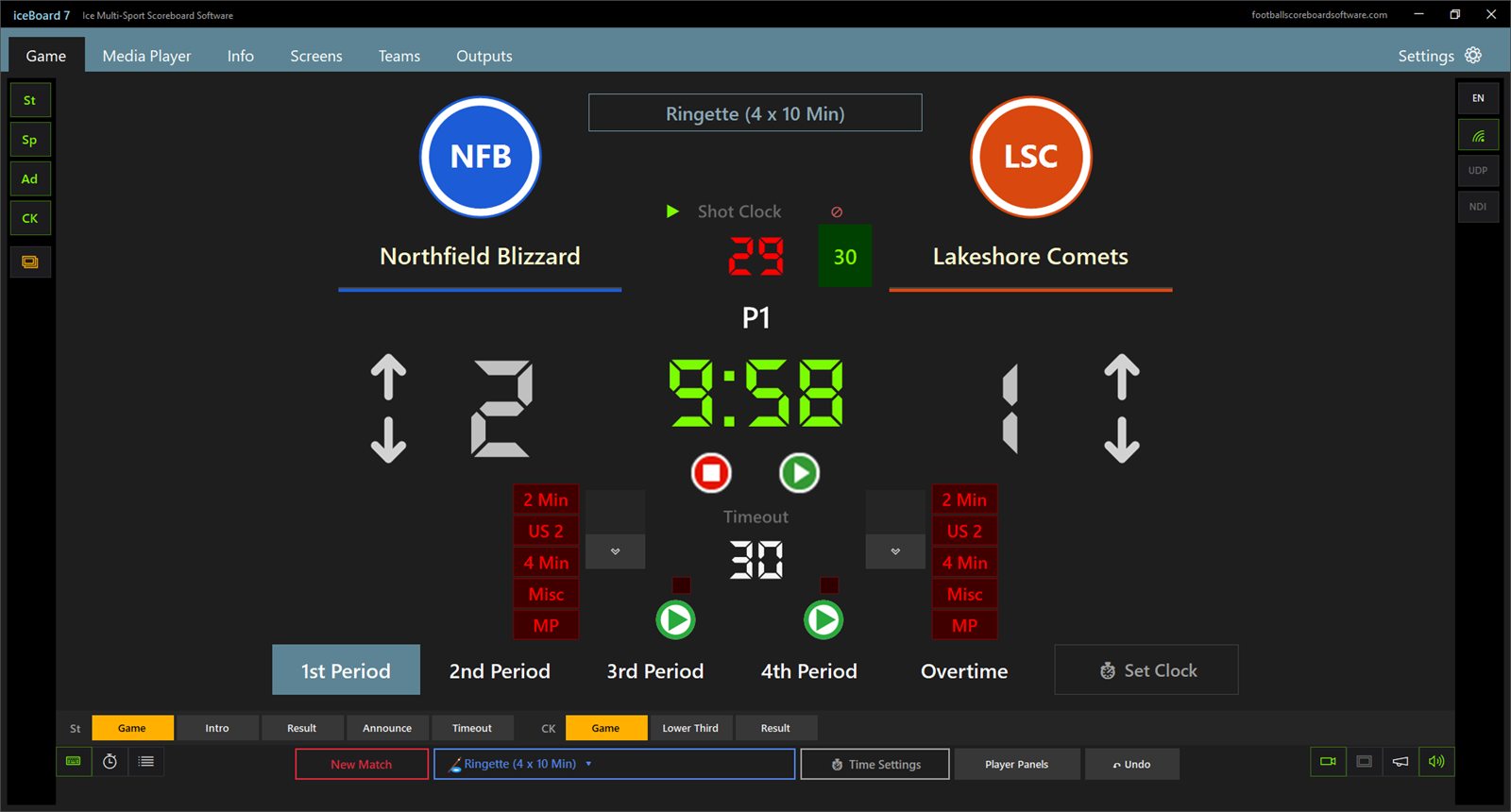
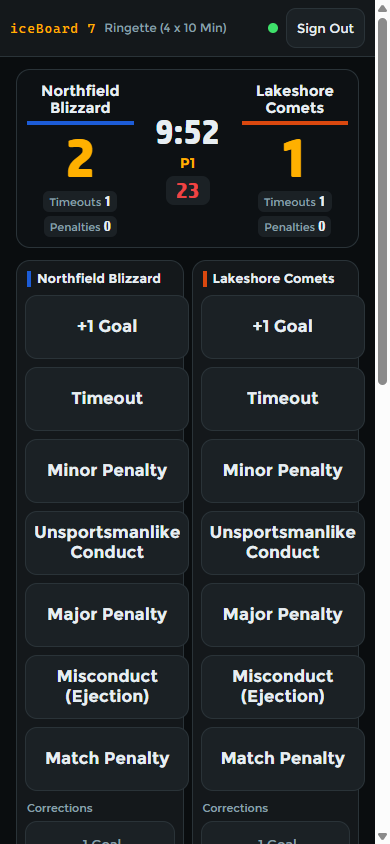
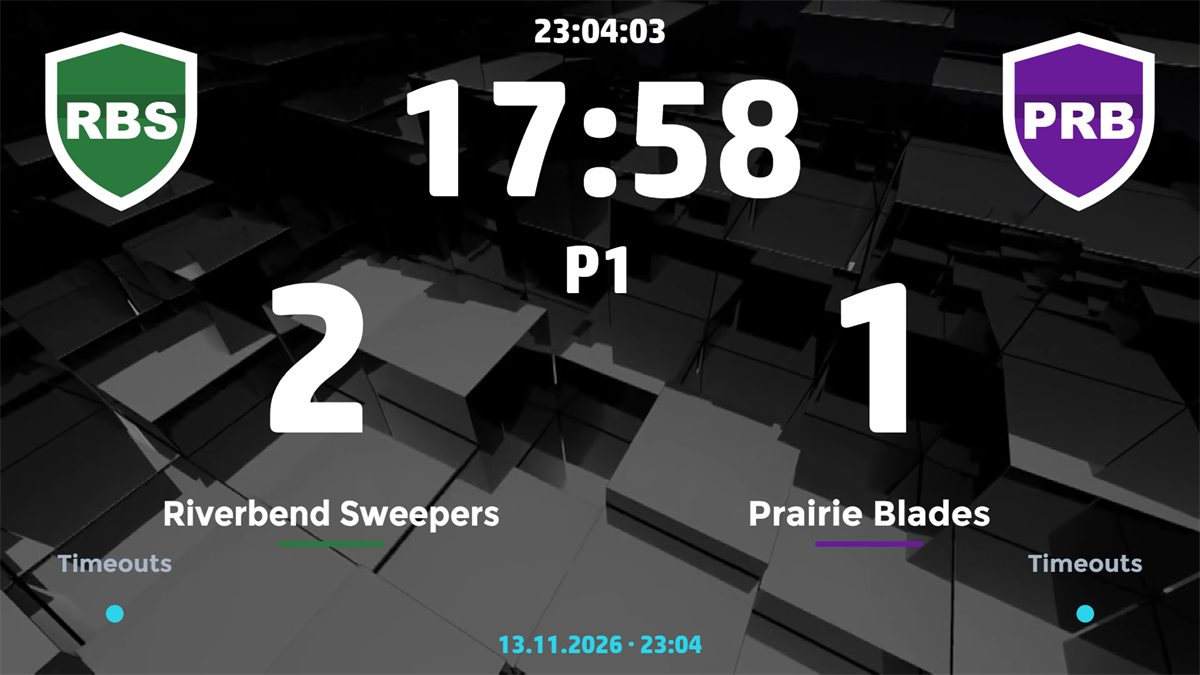
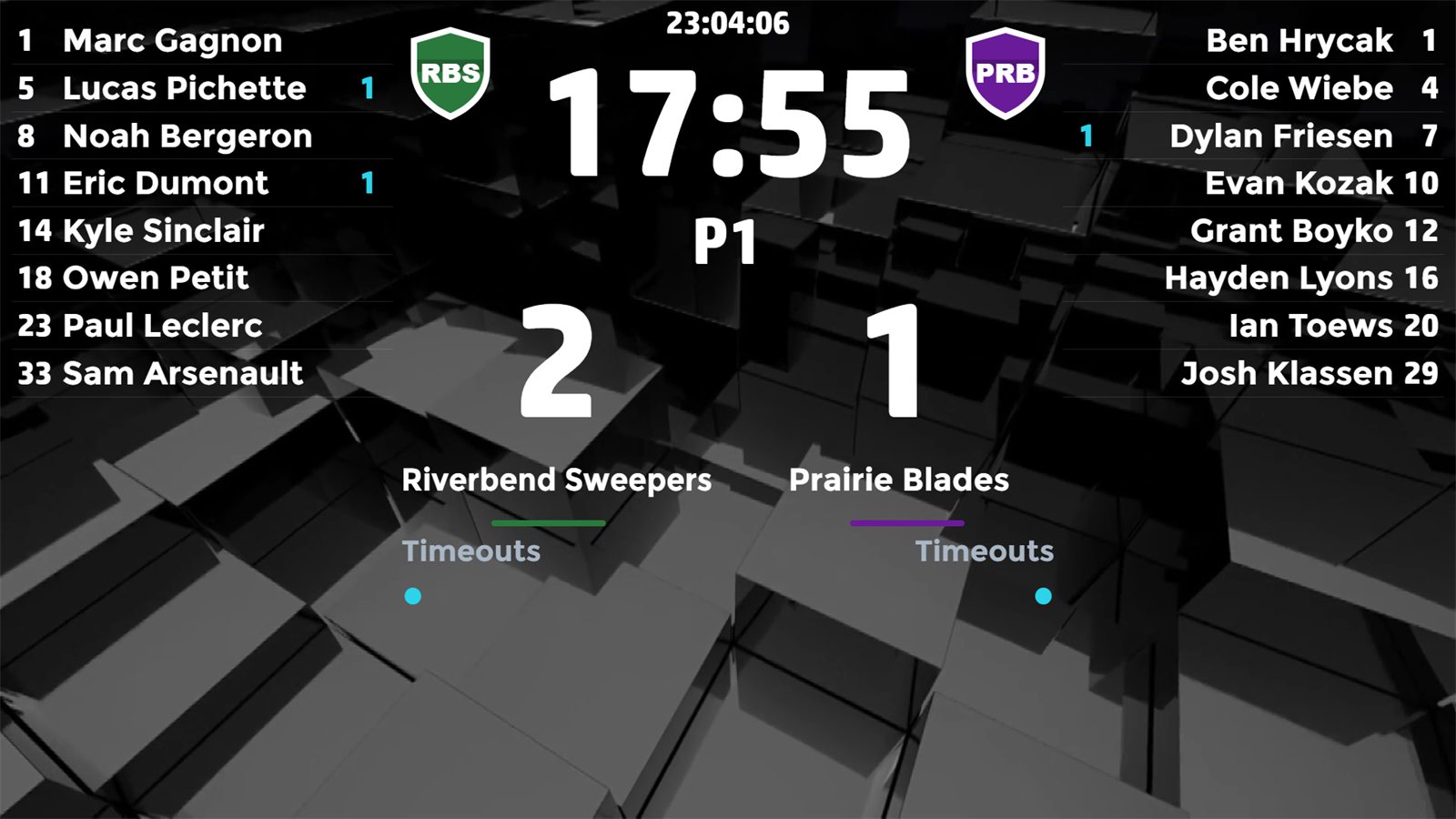
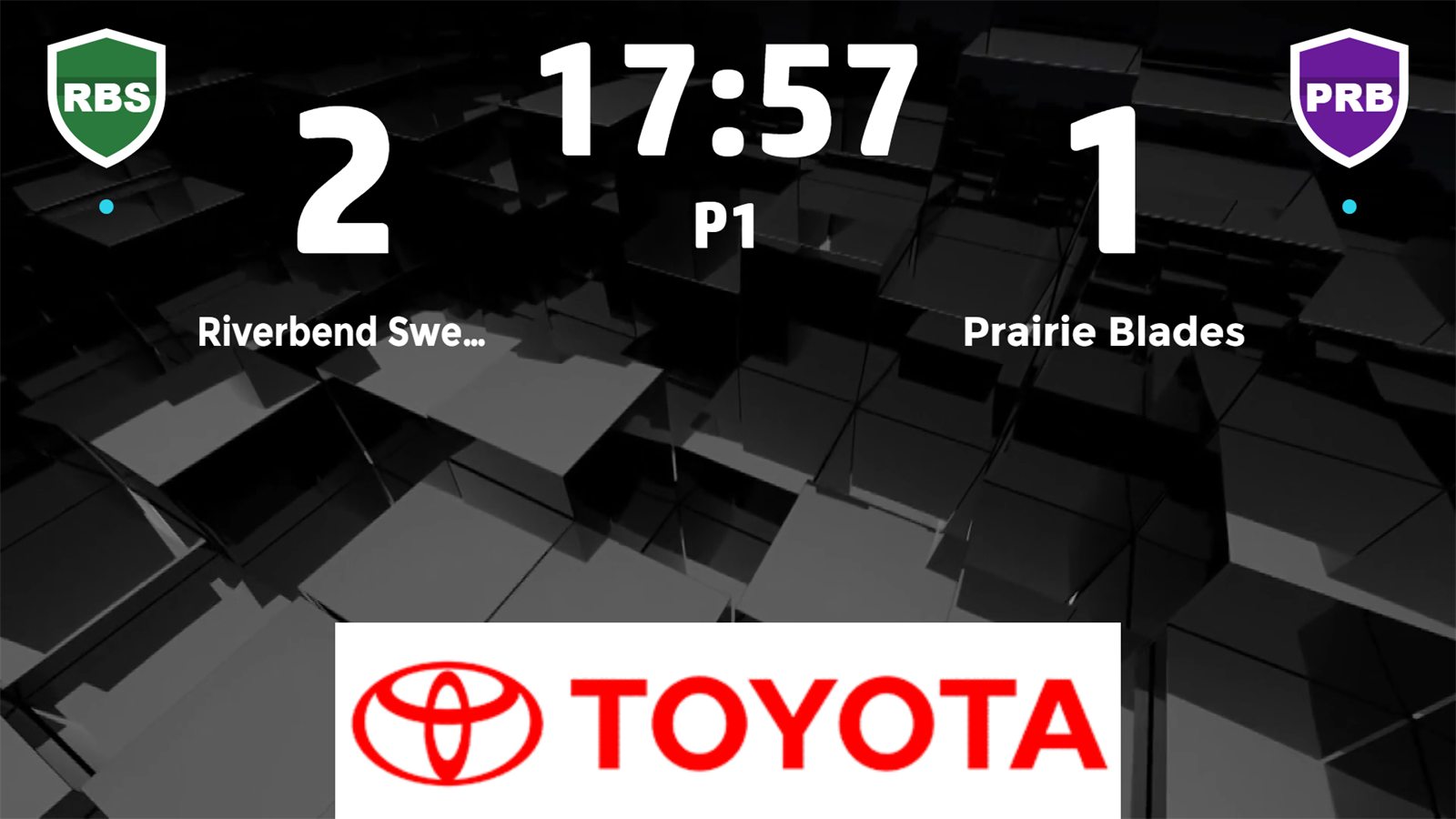
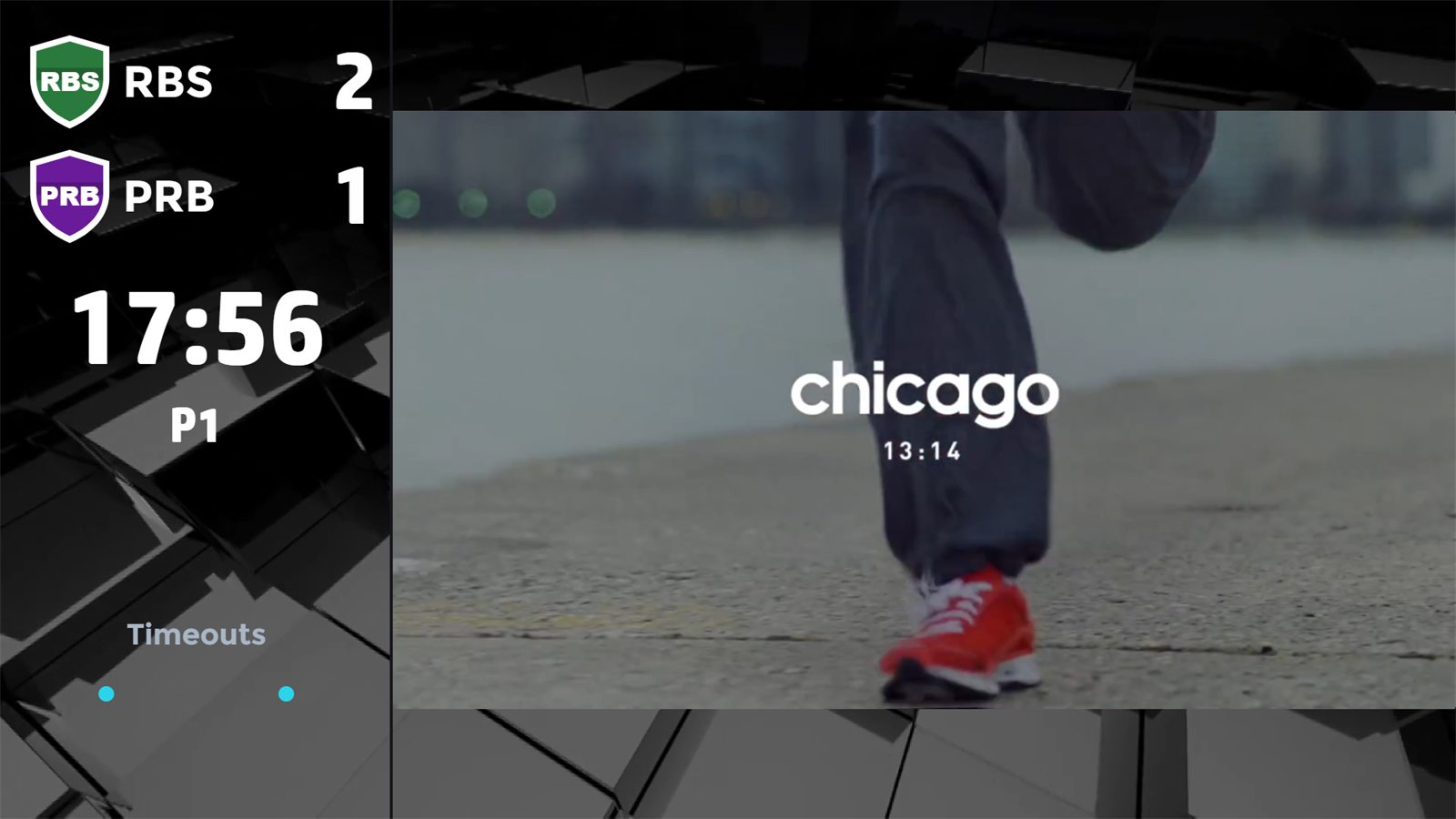
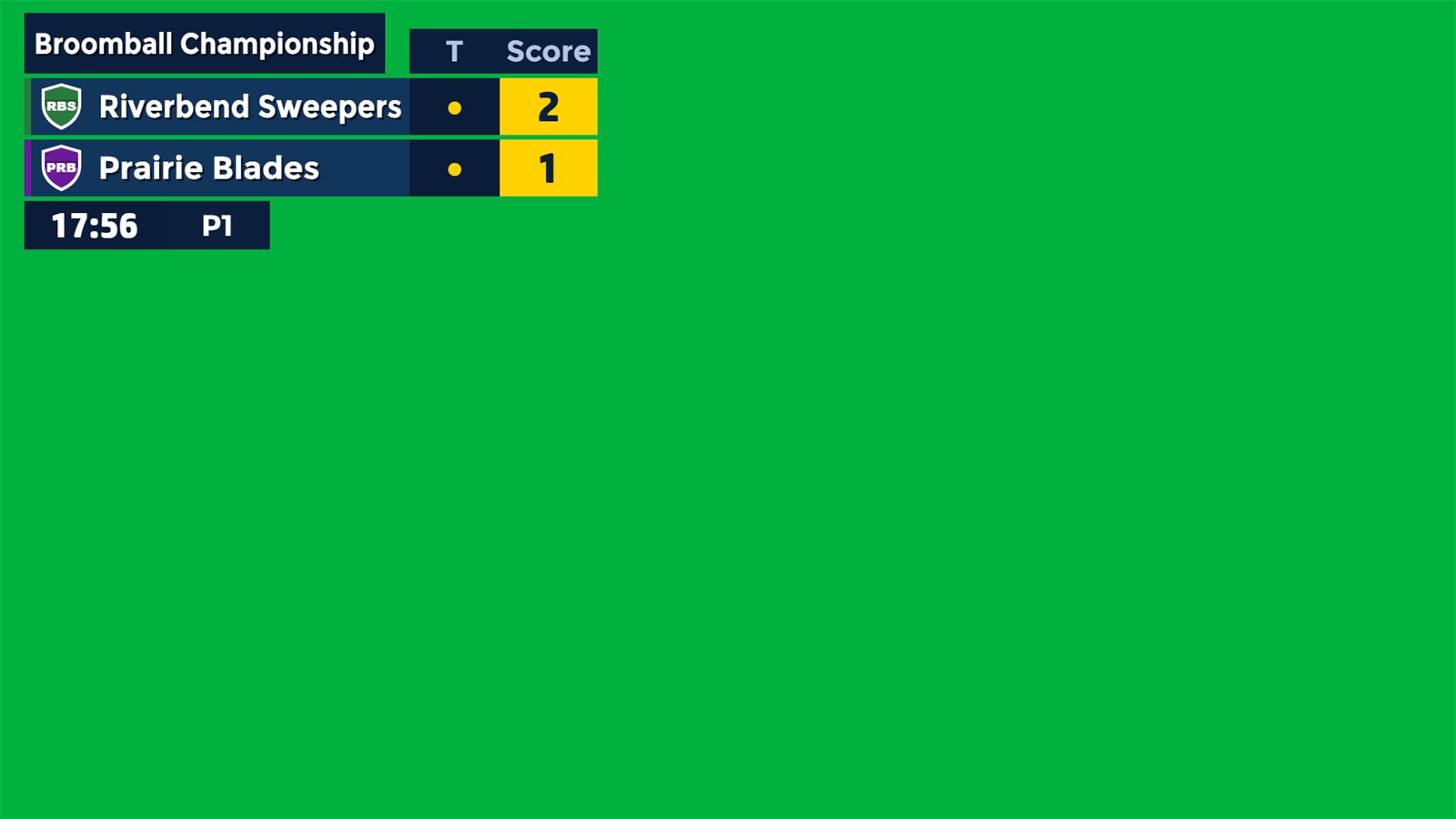
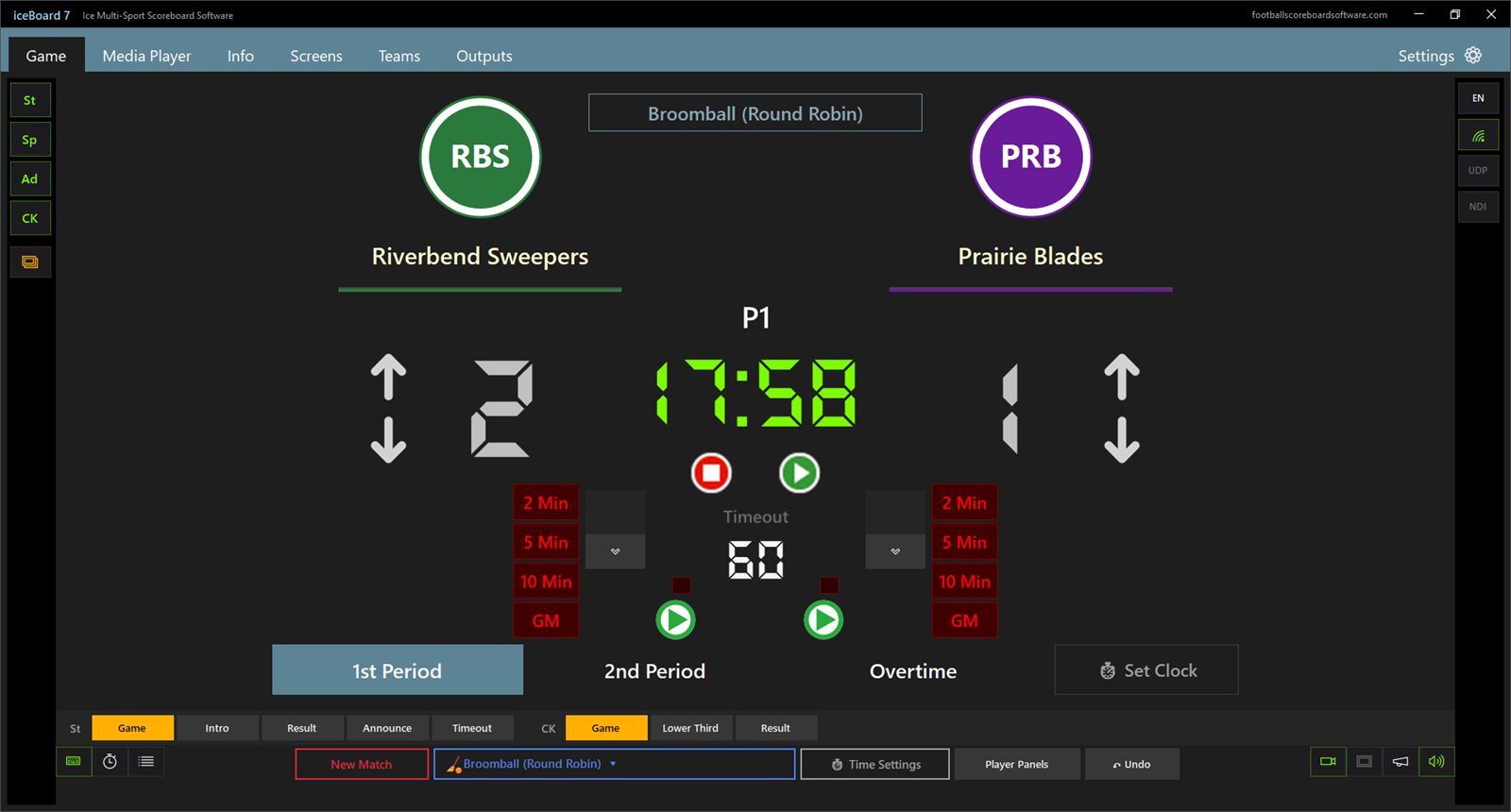
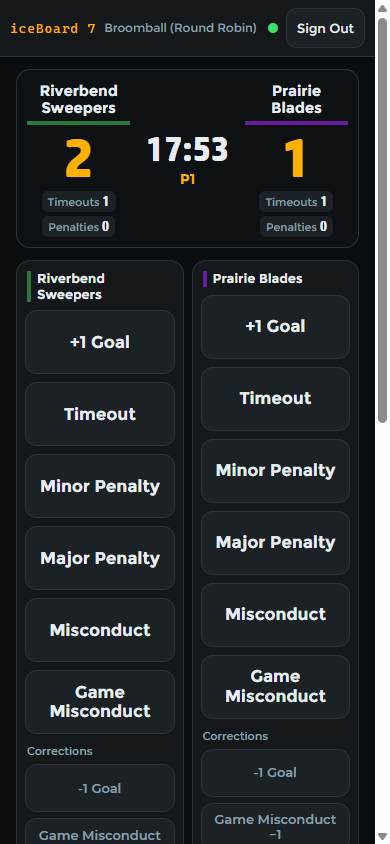
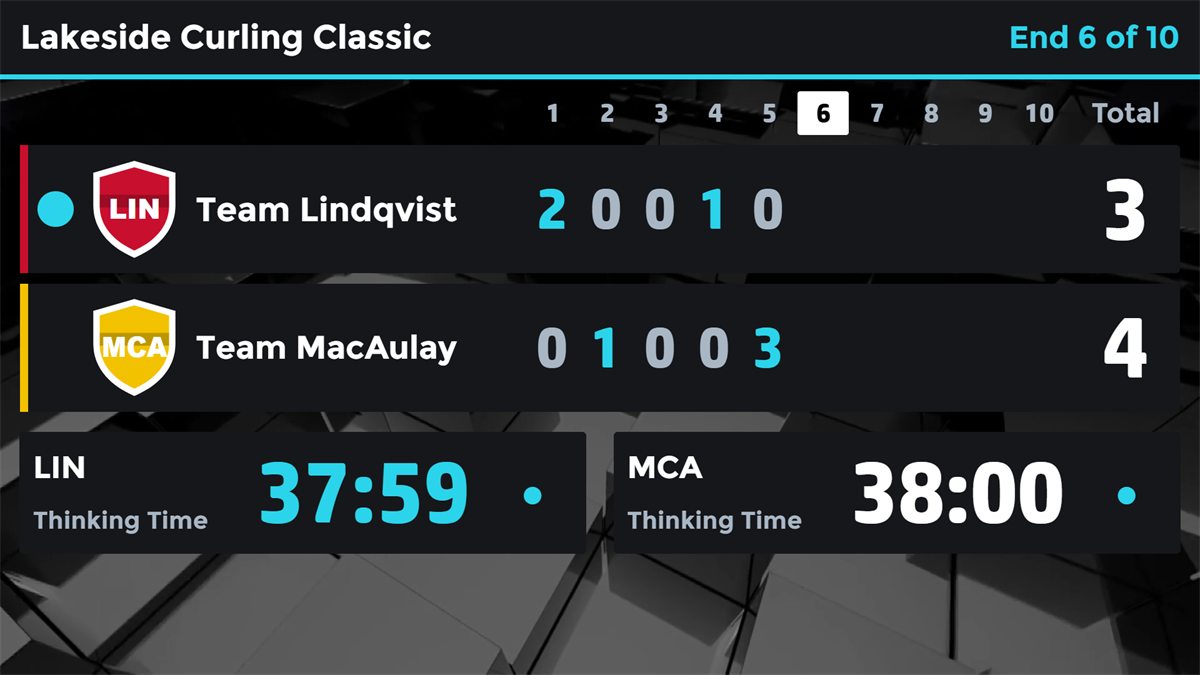
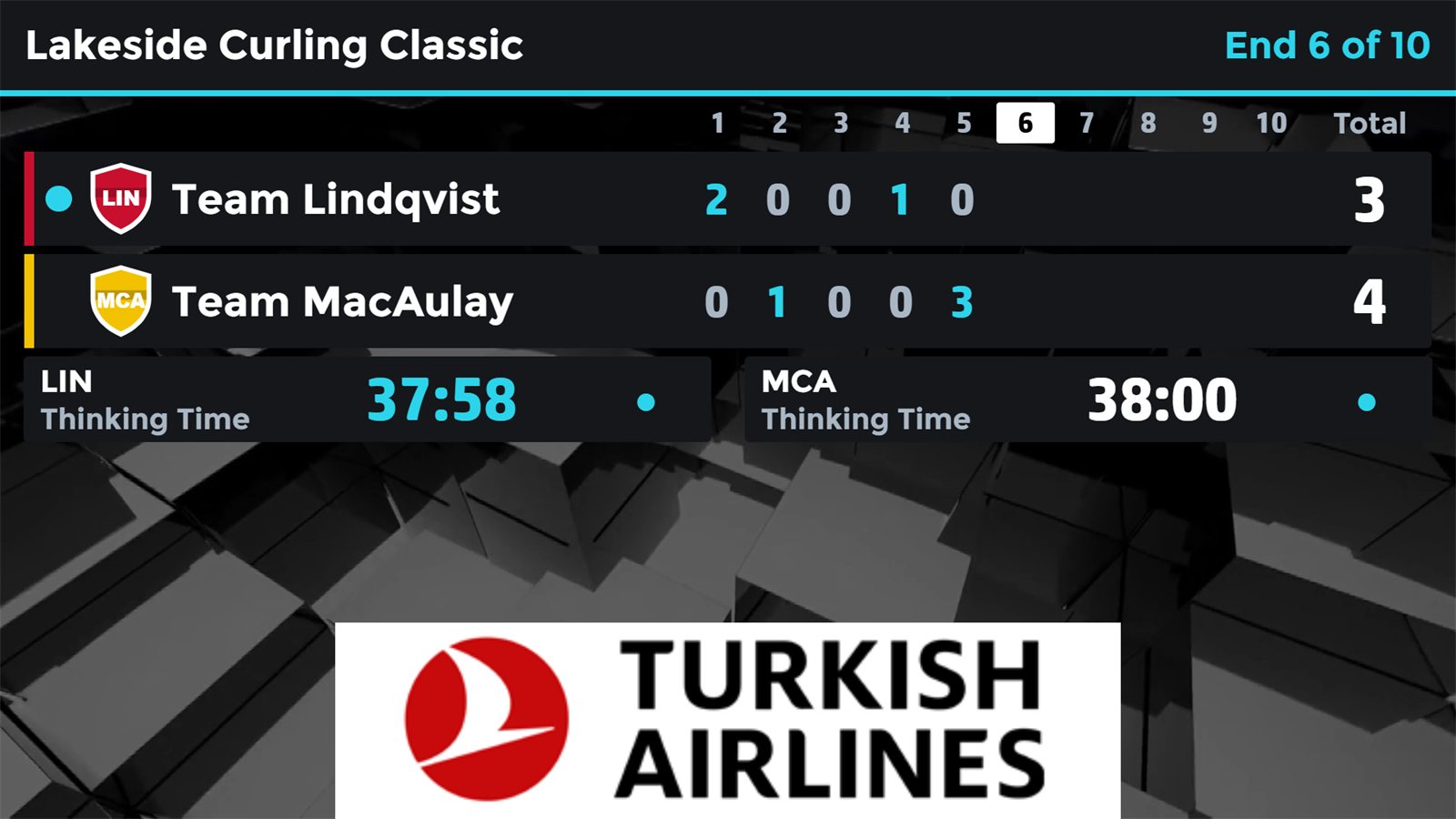
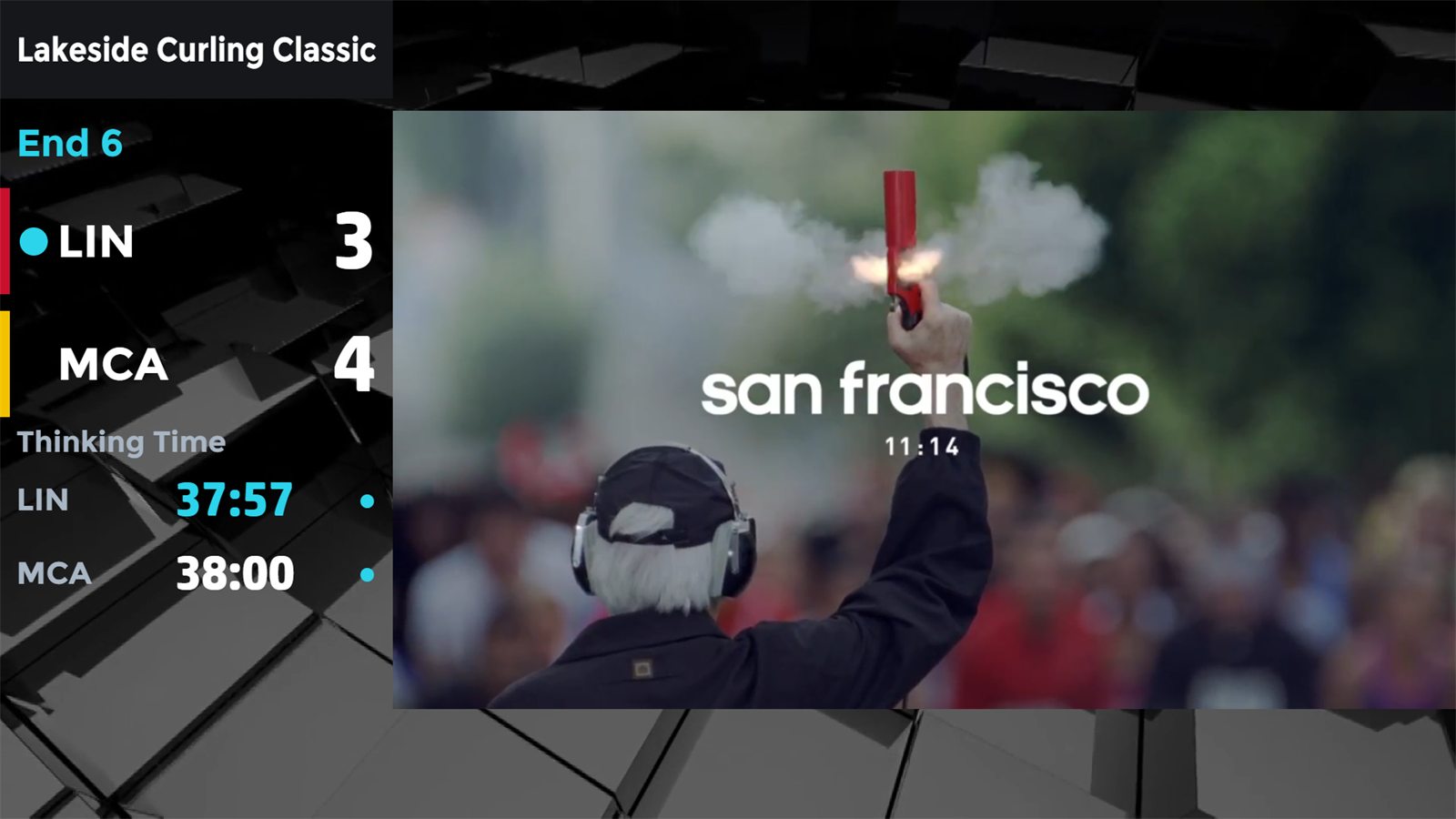
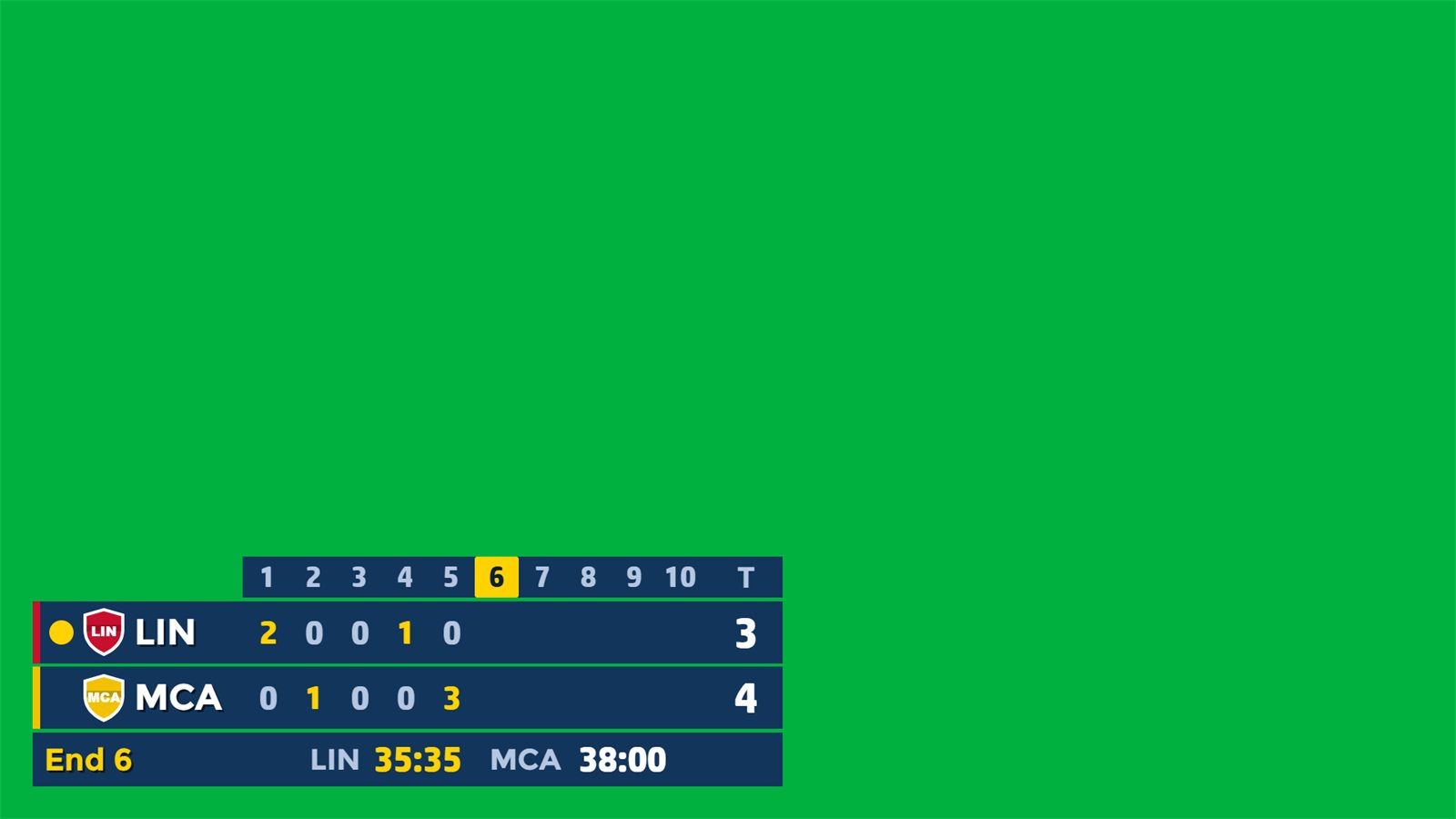
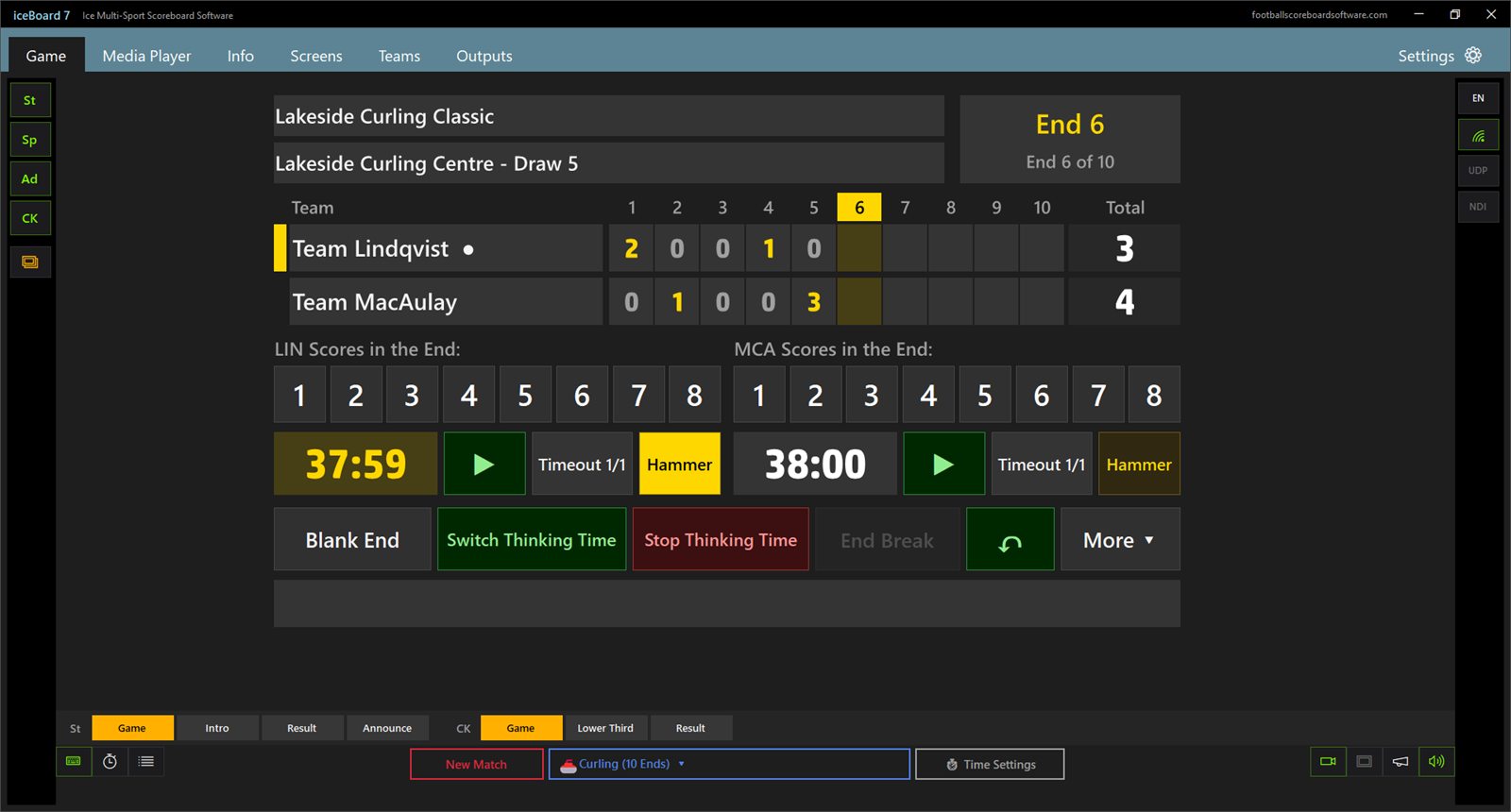
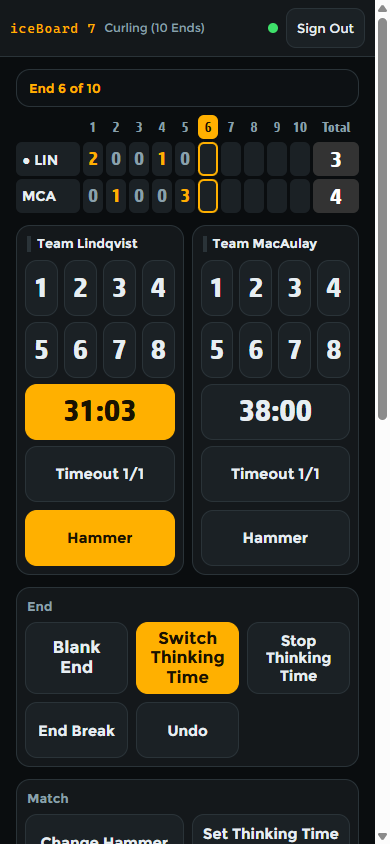
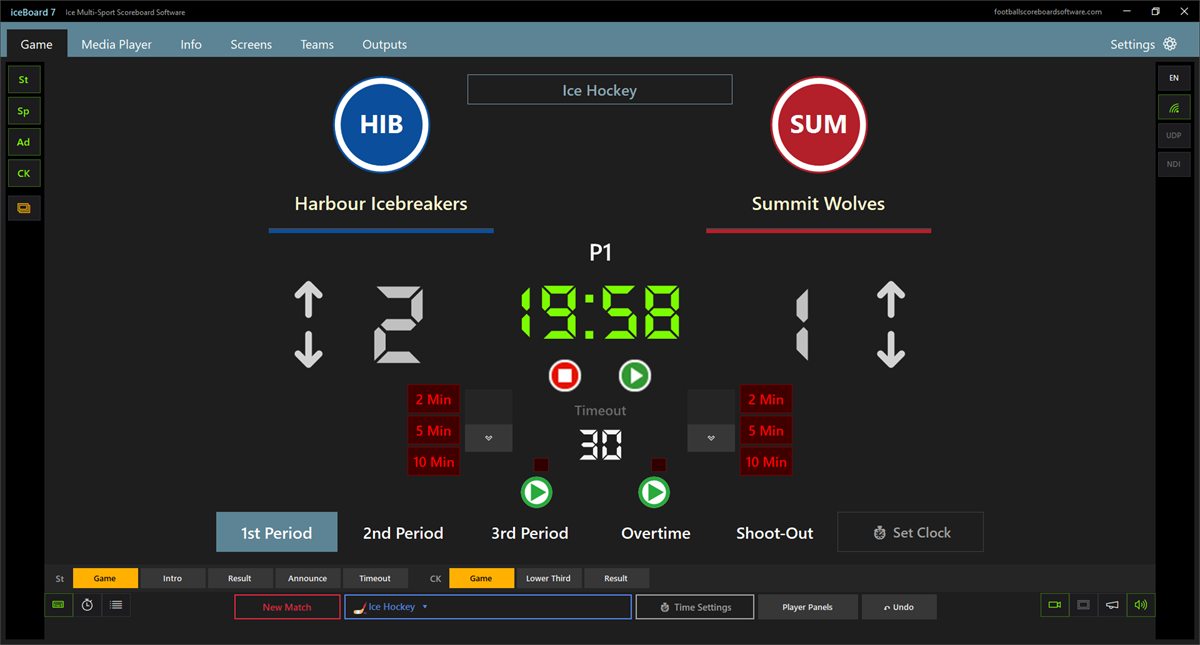
Ice hockey has the penalty clocks of both teams (2, 5 and 10 minutes), timeouts and the shoot-out. Curling has the scores by end, the hammer, blank ends and both thinking time clocks. Info screens go to the board with one click.
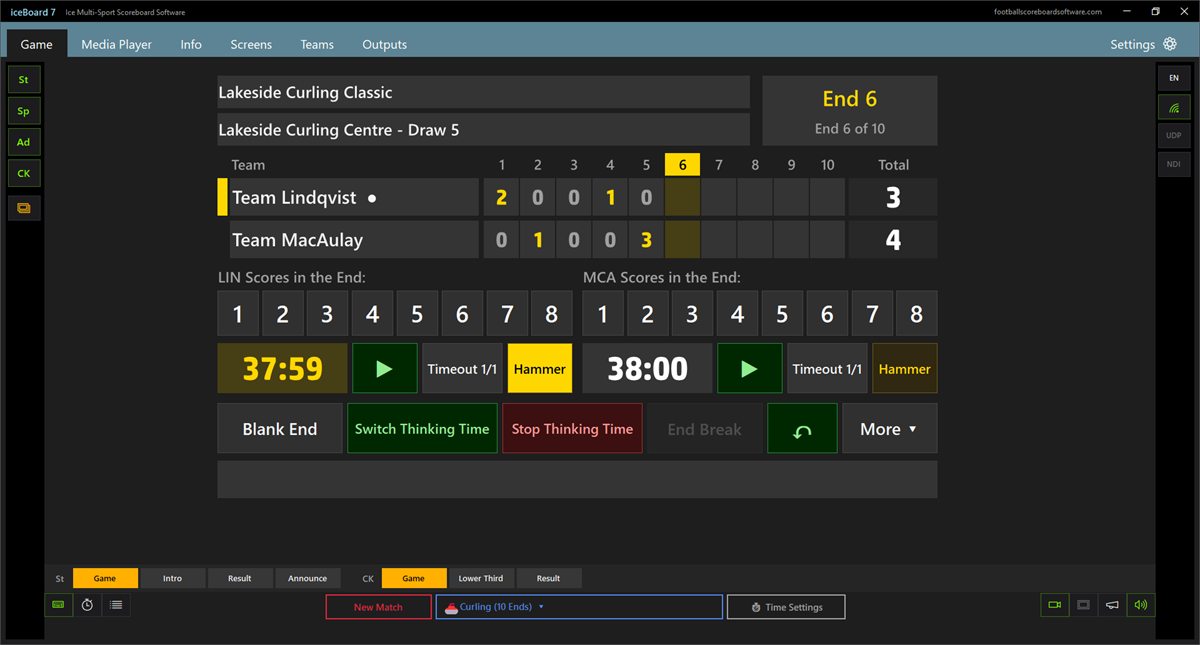
Switch the sport and the same LED screen shows the curling ends, the totals, the hammer and both thinking time clocks.
iceBoard7 Pro reads the real-time data output of a scoreboard console or timing system over a COM port, a serial-to-Ethernet converter or the network. Switch Console Input on and the console drives the period clock, period, score and timeouts. What the console drives is locked on the panel, the phones and the API, so nobody can overwrite it; info screens, media and graphics stay free. Curling is run on the iceBoard7 panel or the phones; Console Input covers the hockey codes.
Console Input is off at every program start and only the operator switches it on or off. A data monitor and a data log help when something does not arrive. It was built from the published data formats and tested with simulators: run a short test with your own console before the first event. Brand names show compatibility only.
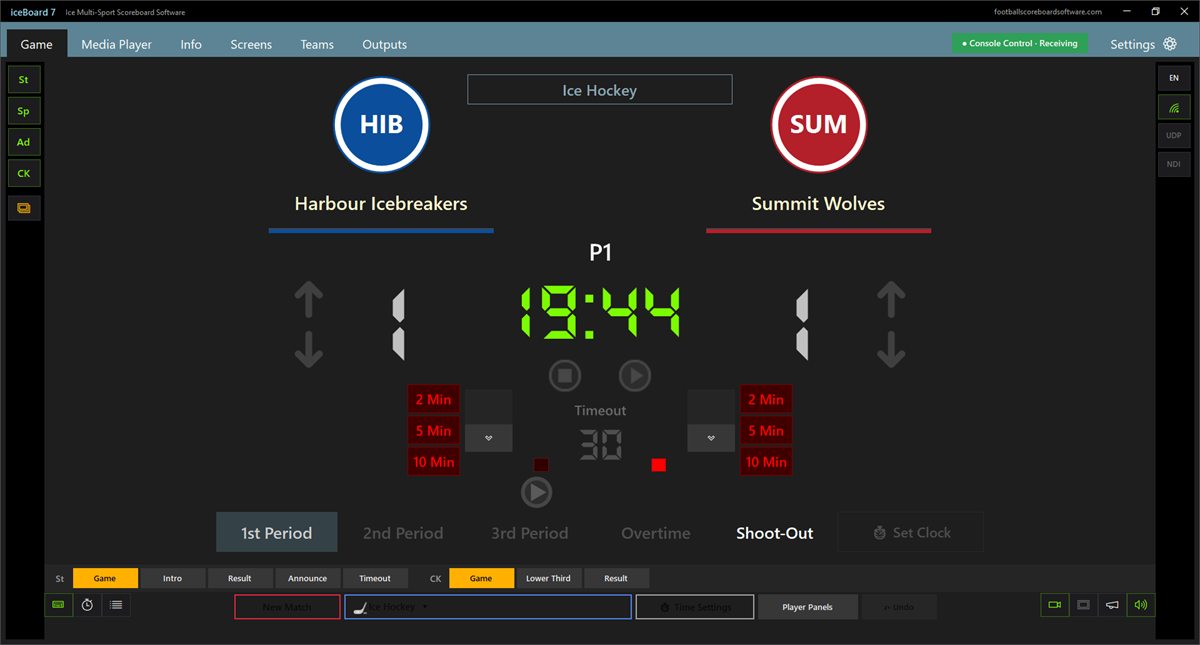
Lite drives the St (Standard) output. Pro adds three more outputs, each in its own window for another screen or as an NDI source for vMix, OBS or any NDI receiver. On Ad and CK, Pro can also show a camera, an NDI source or a screen capture.
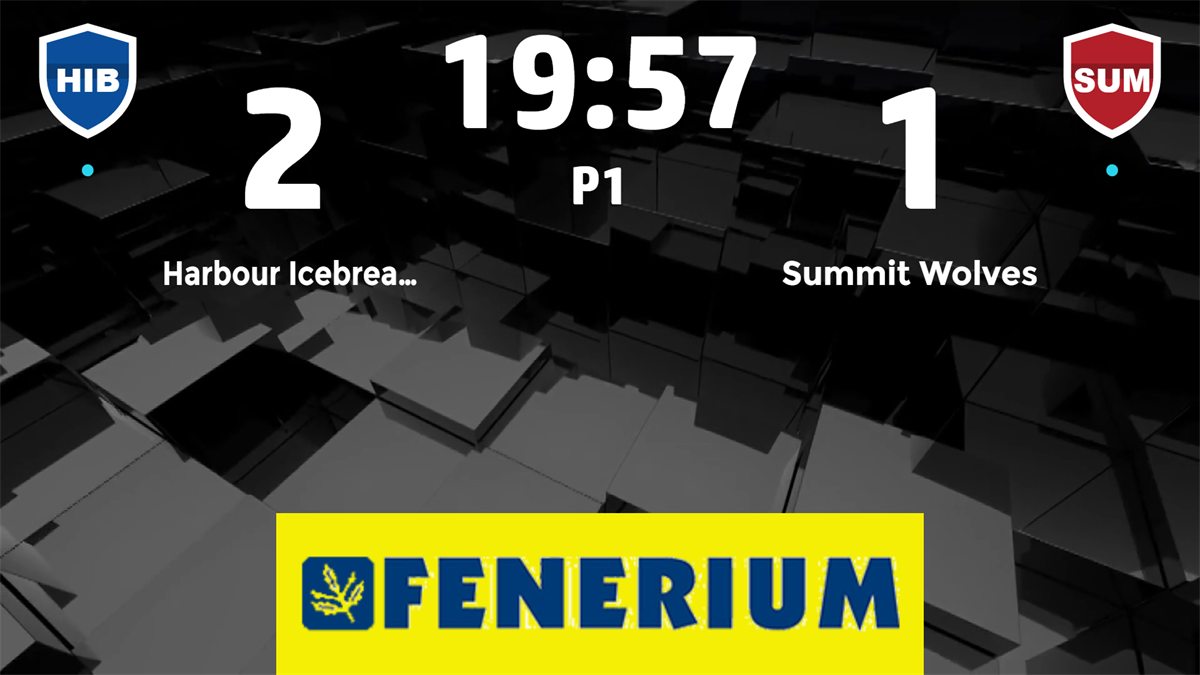
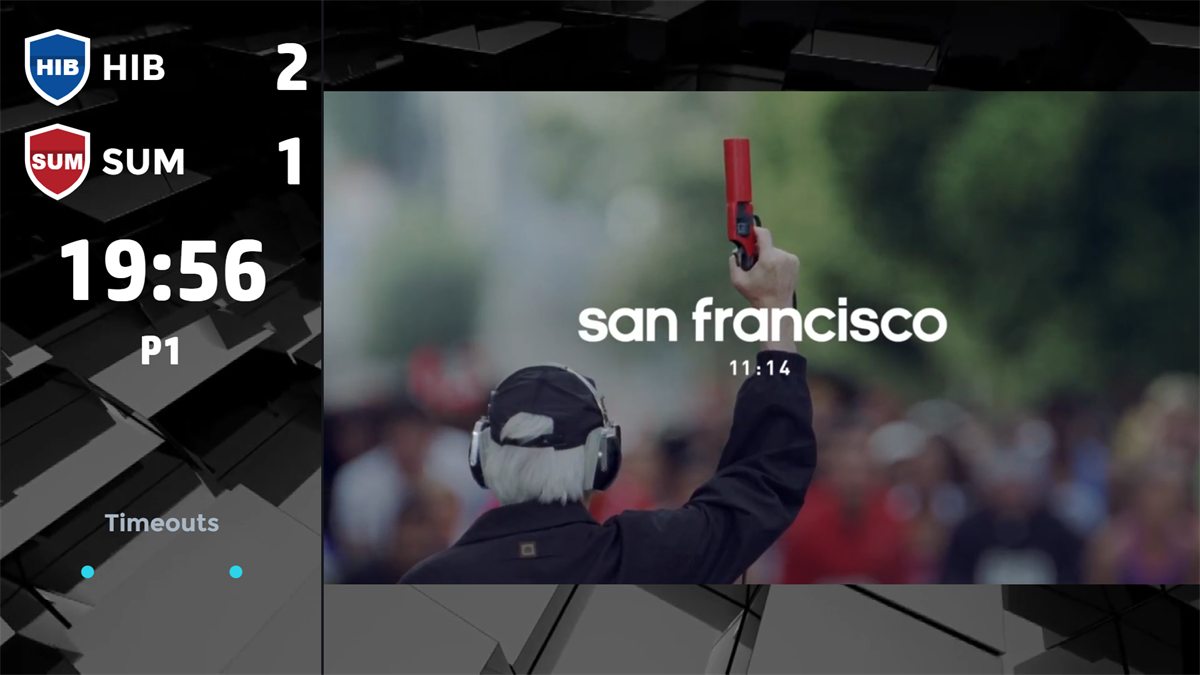
iceBoard7 serves its own remote page on port 1907. Open it in the browser of any phone or tablet on the venue network and sign in with the PIN. Both editions have it.
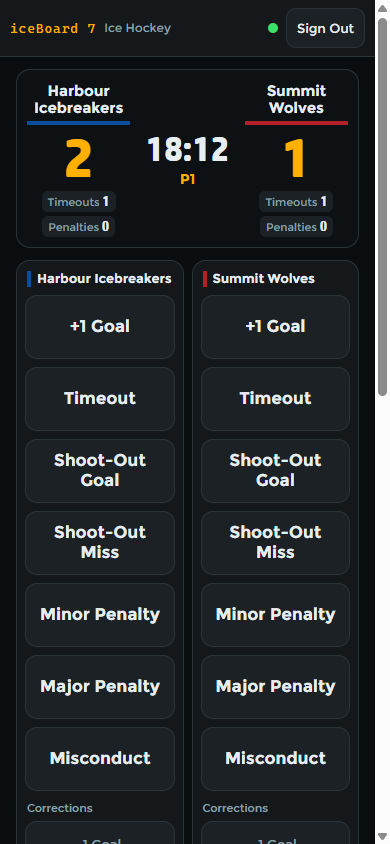
Goals, timeouts, shoot-out, minor, major and misconduct penalties.
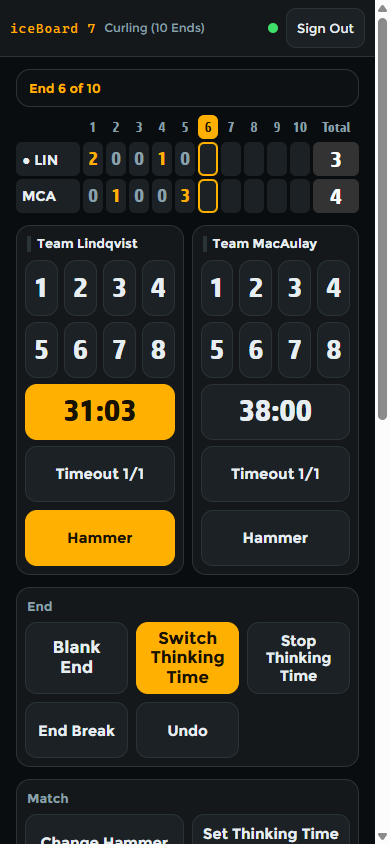
Stones per end, thinking time, timeouts, hammer and blank ends.
Served by the scoreboard itself. No app store, no account and no internet connection needed. All phones must be on the same network as the PC. Several devices can work at once.
Both demos have every feature and no time limit. Pro shows a DEMO watermark; Lite shows a Demo text and its clock shows DEMO now and then.
iceBoard7 is ice multi-sport scoreboard software for Windows 10 and 11 (64-bit). Ice hockey, para ice hockey, ringette, broomball and curling run in one program, each with its own rules, clocks and board designs. It comes in two editions, iceBoard7 Pro and iceBoard7L (Lite).
Both editions have every sport of the product, the phone remote, the info screens and the design editor. Lite has the St (Standard) output and one media playlist. Pro adds the Sp, Ad and CK outputs, 20 playlists, NDI output, camera, NDI and screen capture sources, and the scoreboard console / timing system input.
Yes, in iceBoard7 Pro. Console Input reads the real-time data output of compatible systems: Daktronics All Sport 5000, Stramatel 452, Bodet Scorepad and Kazo Vision Ultra Score. Once valid data arrive, the console drives the period clock, period, score and timeouts, and these values are locked on the panel and the phones until the operator switches Console Input off. It is off at every program start.
It was built from the published data formats of these systems and tested with simulators of every type. Not every console model has been tested on site, so run a short test with your own console before the first event. The free Pro demo includes Console Input.
Yes, in both editions. The program serves the remote page itself on port 1907: open it in the browser of a phone or tablet on the venue network and sign in with the PIN. Nothing to install, no internet needed, and several devices can work at once.
Lite: $500 for output up to 1366 px wide and $1,000 up to 3840 px wide. Pro: $1,000 up to 1366 px wide and $2,000 up to 3840 px wide. Every licence is a lifetime licence with a PC key and a USB key, and buying several products for one venue reduces the price.
Yes, for both editions, with every feature switched on and no limit on match time. The Pro demo shows a DEMO watermark on the board. The Lite demo shows a Demo text on the board, and its main clock shows DEMO for 5 seconds of every 25.
One payment, a PC key and a USB key. Lite: $500 up to 1366 px wide, $1,000 up to 3840 px wide. Pro: $1,000 up to 1366 px wide, $2,000 up to 3840 px wide.
Each multisport product covers the sports of one venue type. For a single sport there are the single-sport boards.
Run the perimeter LED panels of any sport from one panel.
Modern, web-based LED perimeter player and playlist manager for the advertising panels around football and every other sport. Uploaded media auto-fits the panel; goals, scores, time-outs, cards and other quick actions cut in with a single click and return. A browser is enough — easy to install, even easier to run.
Tell us your sports, the width of your LED screen in pixels and your console, and we send you a quote.