Broadcast graphics for TV and live streams
Every scoreBoard7 board drives the stadium LED screen and the TV picture at the same time: a chroma key scorebug and lower thirds for the vision mixer, and an NDI stream for OBS and vMix. For streams that need talk-show graphics, tickers and name straps, add CueFinch.
- Chroma key
- NDI output
- OBS and vMix
From the LED screen to the TV picture
These tools are part of every scoreBoard7 board, from soccerBoard7 to arenaBoard7. No extra licence, no capture card.
Chroma Key mode
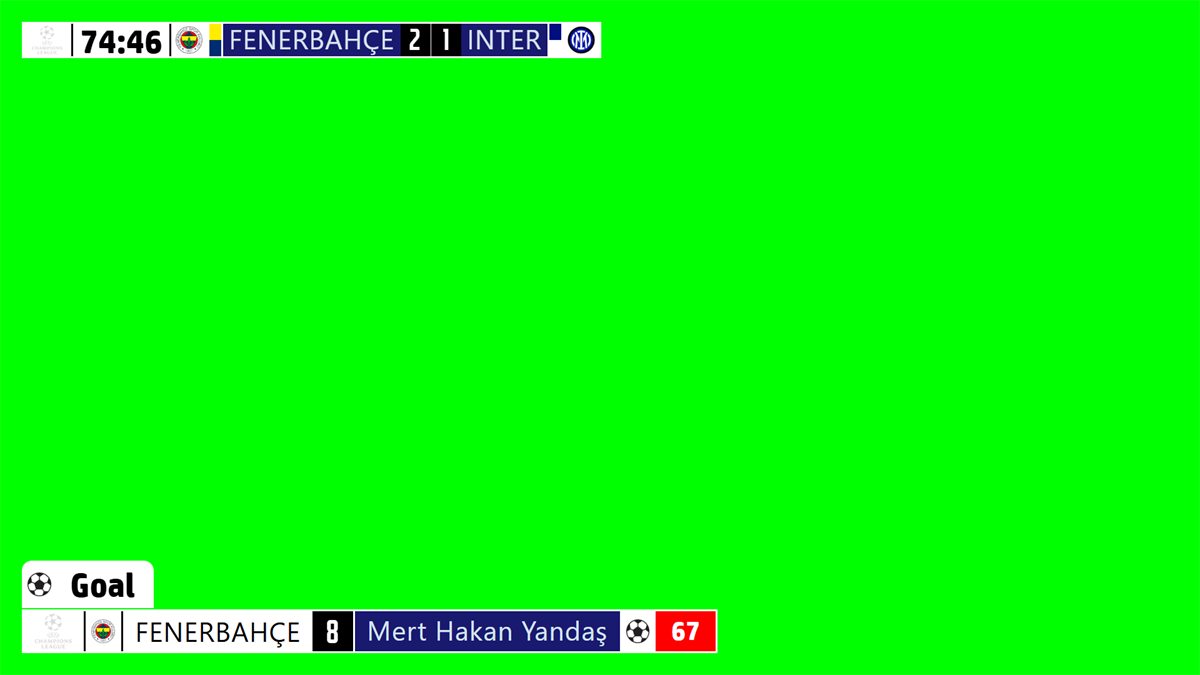
A compact scorebug and the event graphics on green, blue, magenta or a transparent background. The vision mixer keys out the colour.
NDI output
The NDI button sends the board as a video stream over the network. Vision mixers, OBS, vMix and NDI monitors receive it directly.
Camera, NDI input and screen capture
Put a live camera, an NDI source or any part of the PC screen on the LED board, next to the clock and score.
Four display modes
Standard, Sponsored, Advertisement and Chroma Key. Switch between them during the match without stopping the game.
Phone remote and HTTP API
Run graphics from a phone or tablet, or from a stream deck and your own software through the HTTP API on port 1907.
Your own design
Change the position, size, colour and font of every element of the scorebug, and save designs for each competition.
Control panel and TV output
Event graphics on the key colour
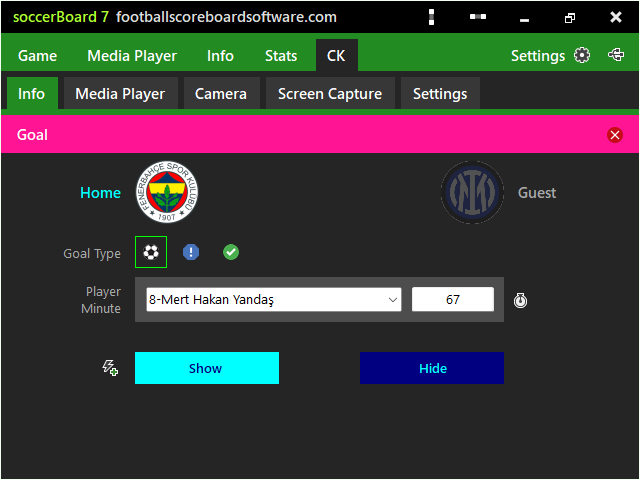
Choose the player and click Show. The goal, card or substitution graphic appears as a lower third under the scorebug, then clears by itself.
- Green, blue, magenta or transparent background
- Scorebug and lower thirds in one output
- Same events as the LED board
Camera and screen capture on the LED board
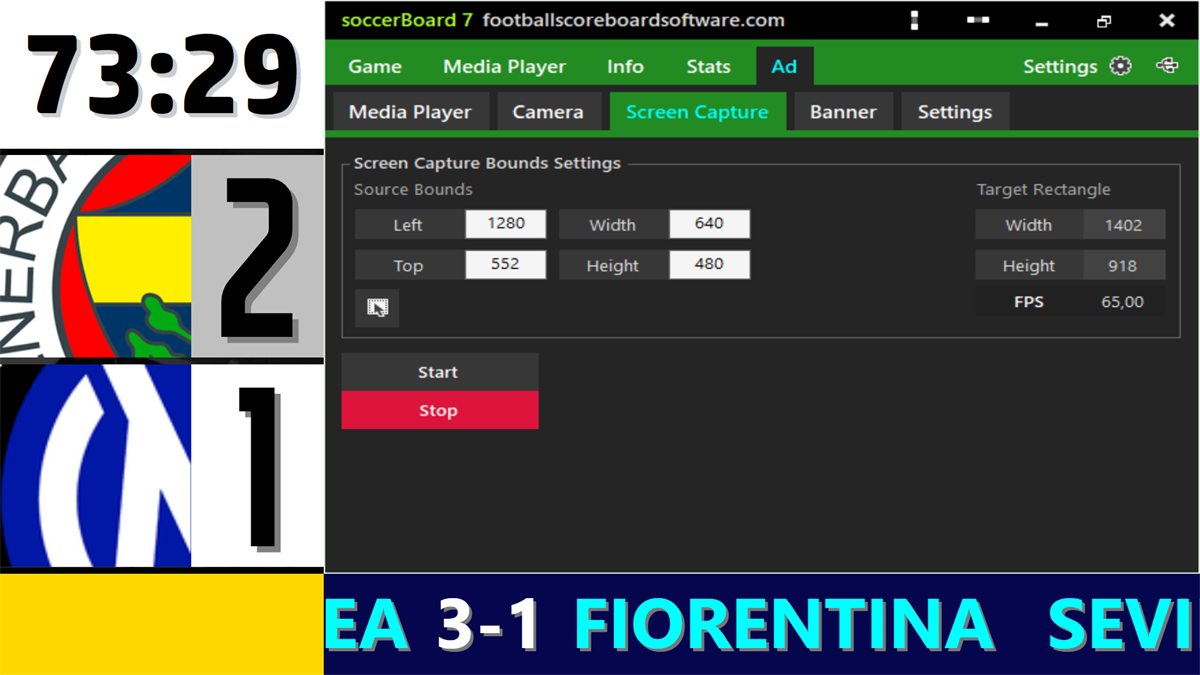
Show a live camera, an NDI source or part of the PC screen beside the clock and score. Choose the source and the target area in the settings.
TV scorebugs from every board
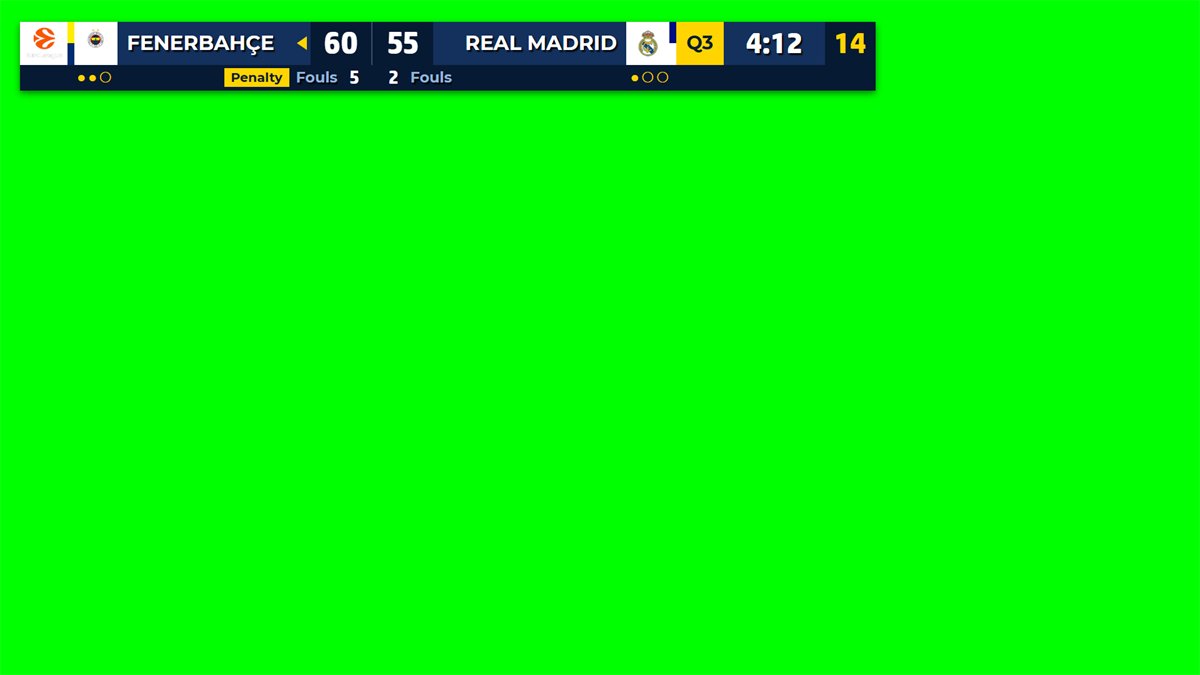
Each board draws its own sport on the key colour: fouls and shot clocks, suspensions, exclusions, time penalties.
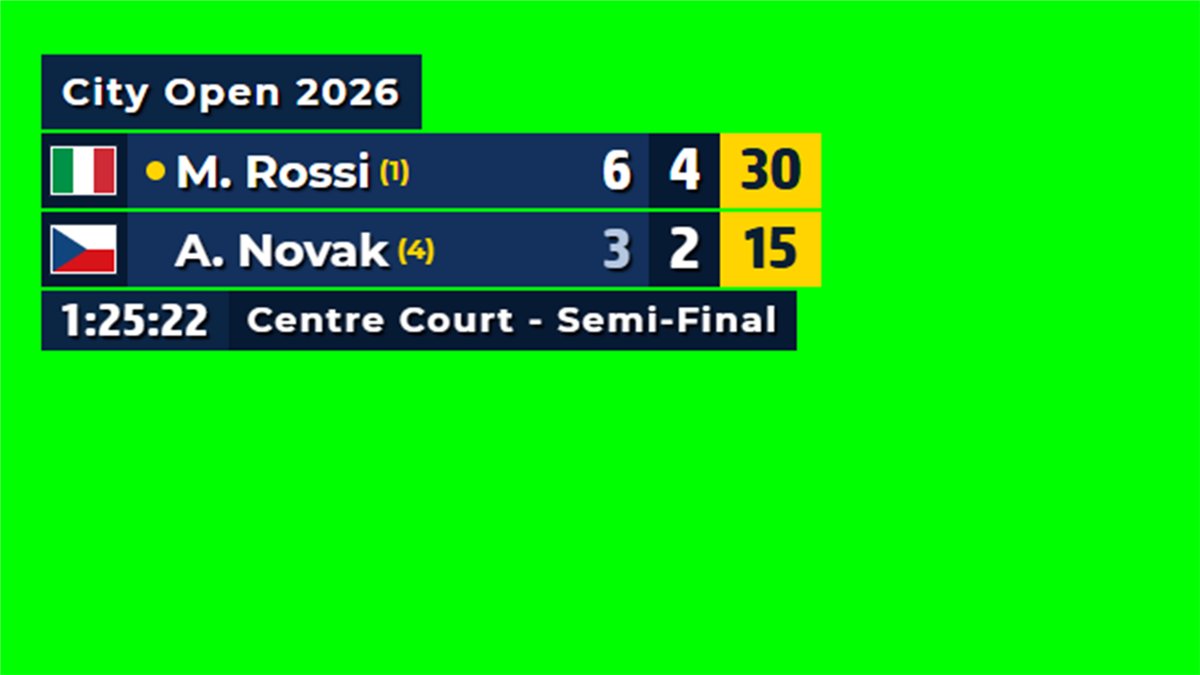
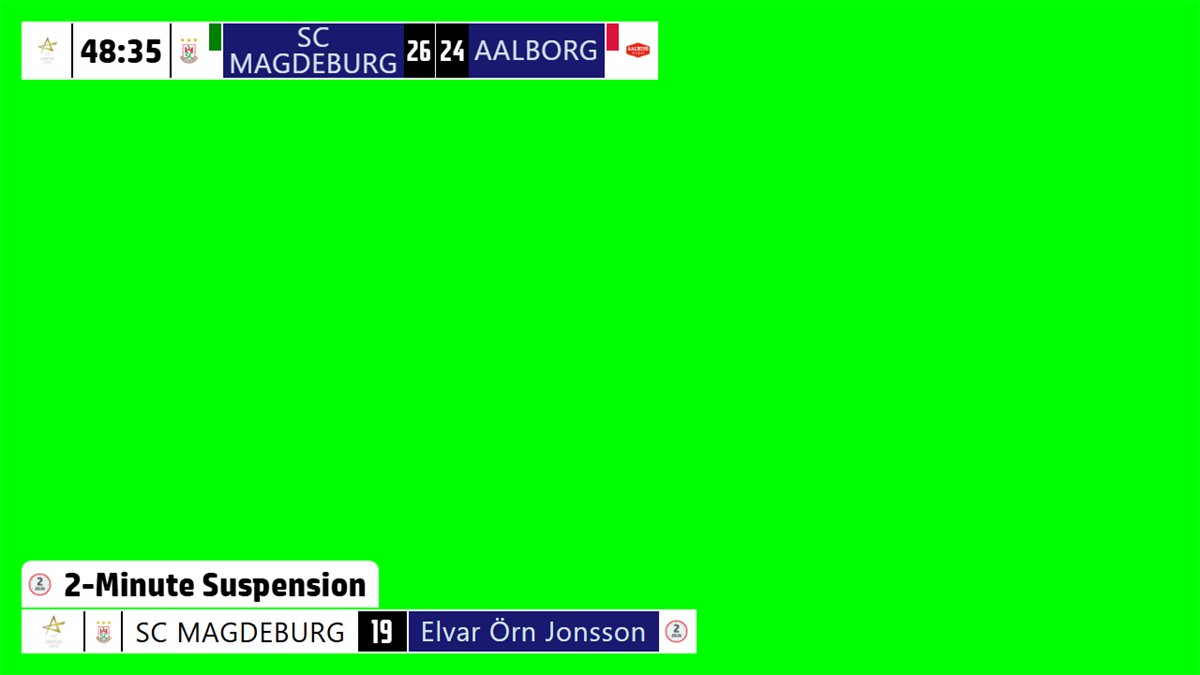
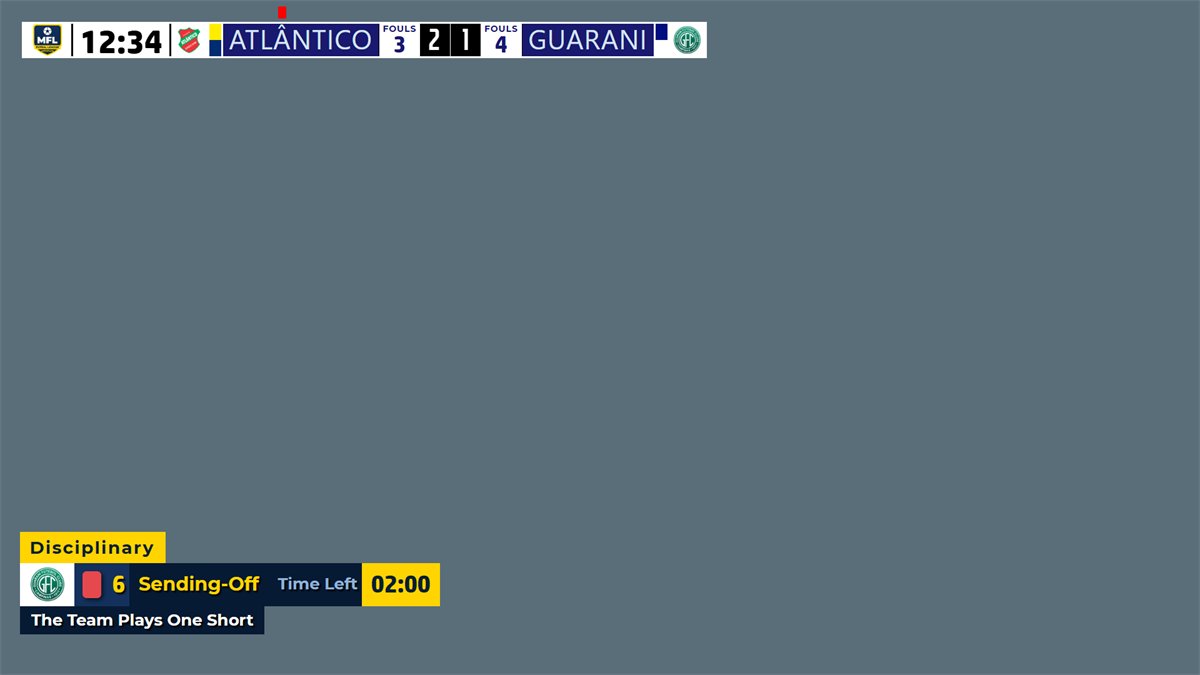
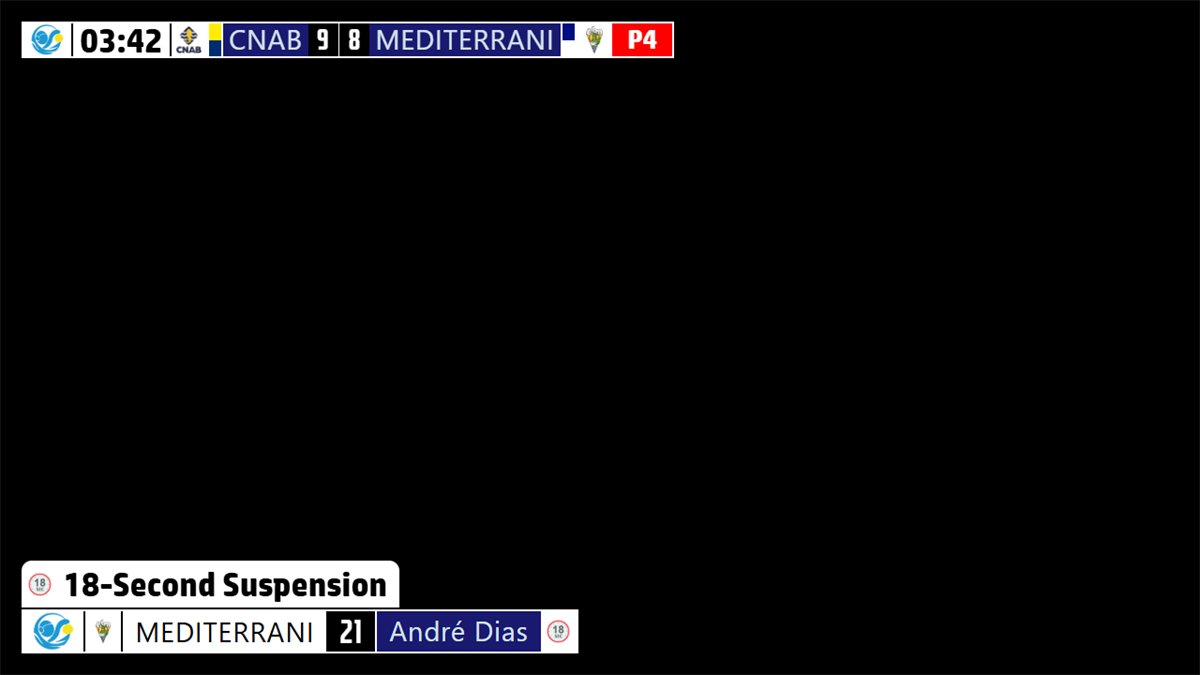
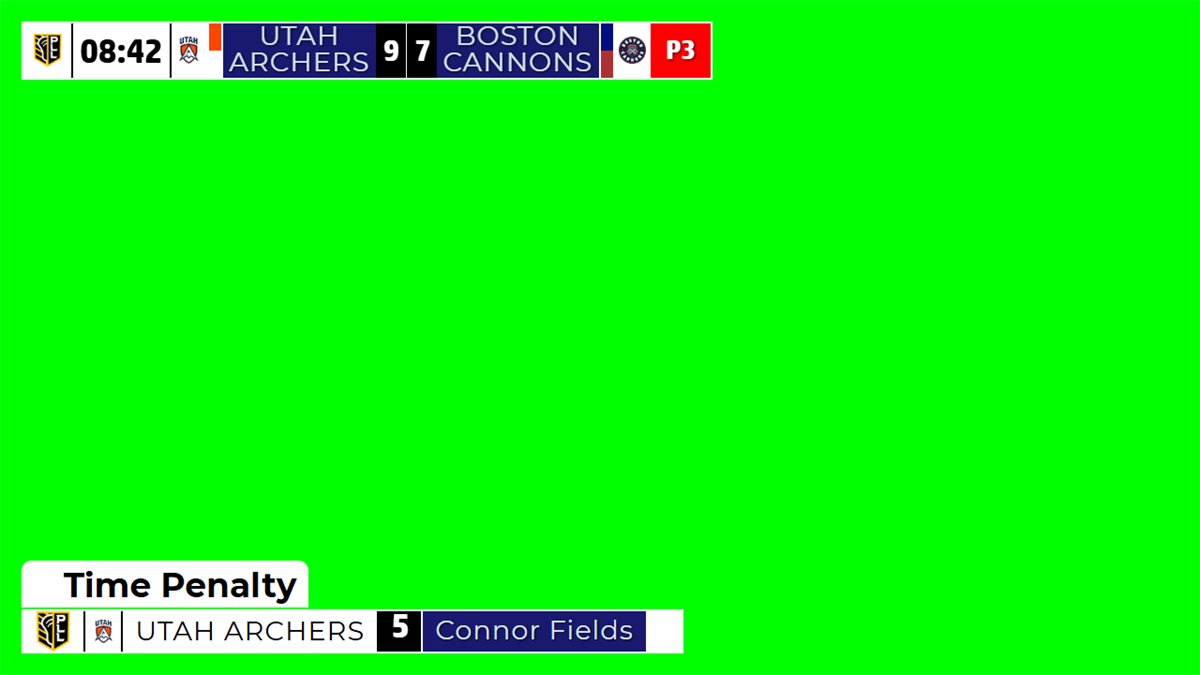
Chroma key step by step
A keyed scorebug and graphics for your vision mixer, shown on soccerBoard7. Every board has the same lesson.

Watch on YouTube
soccerBoard 7 Tutorial 05.03 - Chroma Key (Keyed scorebug and graphics for your vision mixer)
Lower thirds, score bugs and news tickers for OBS and vMix.
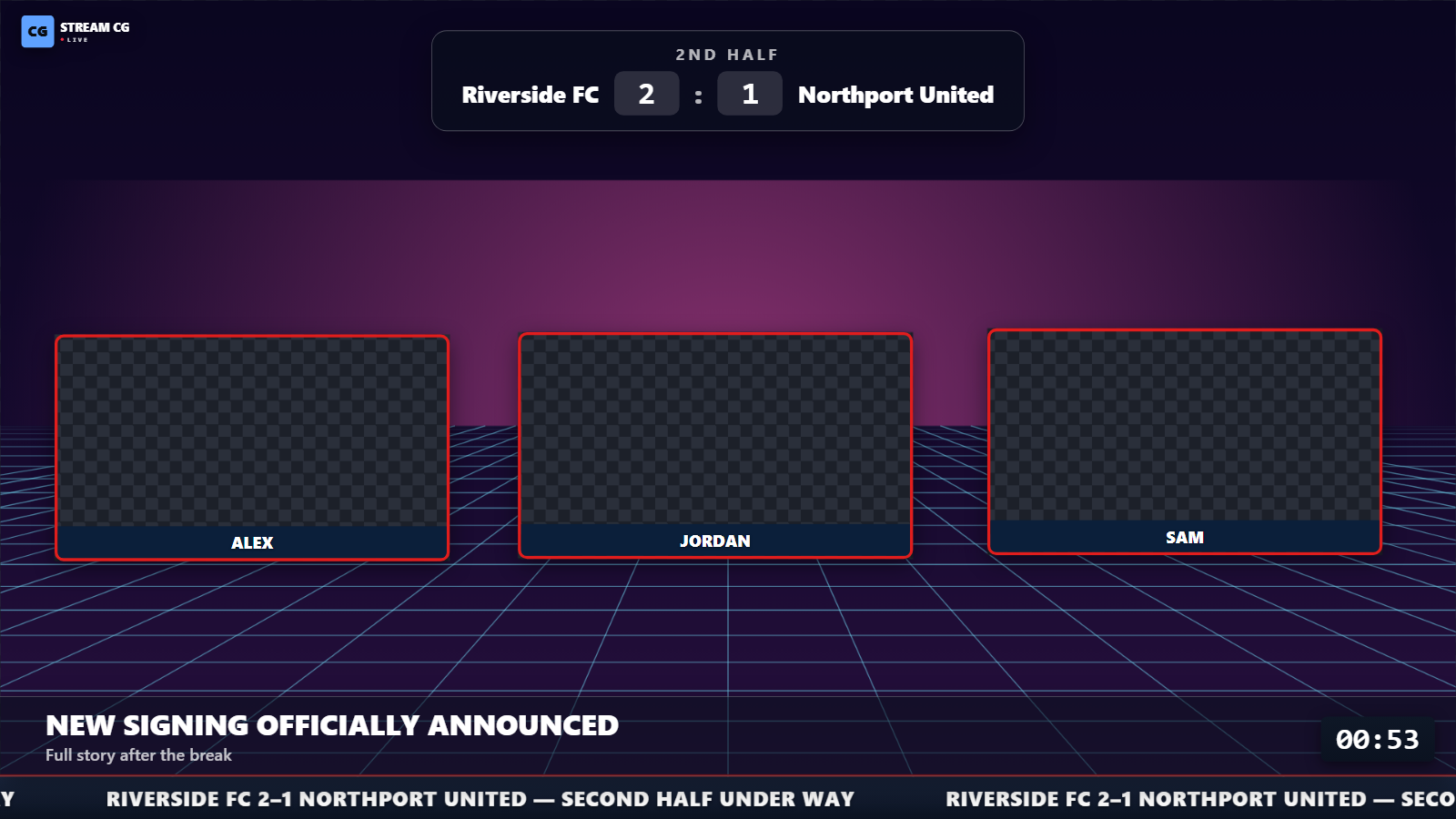
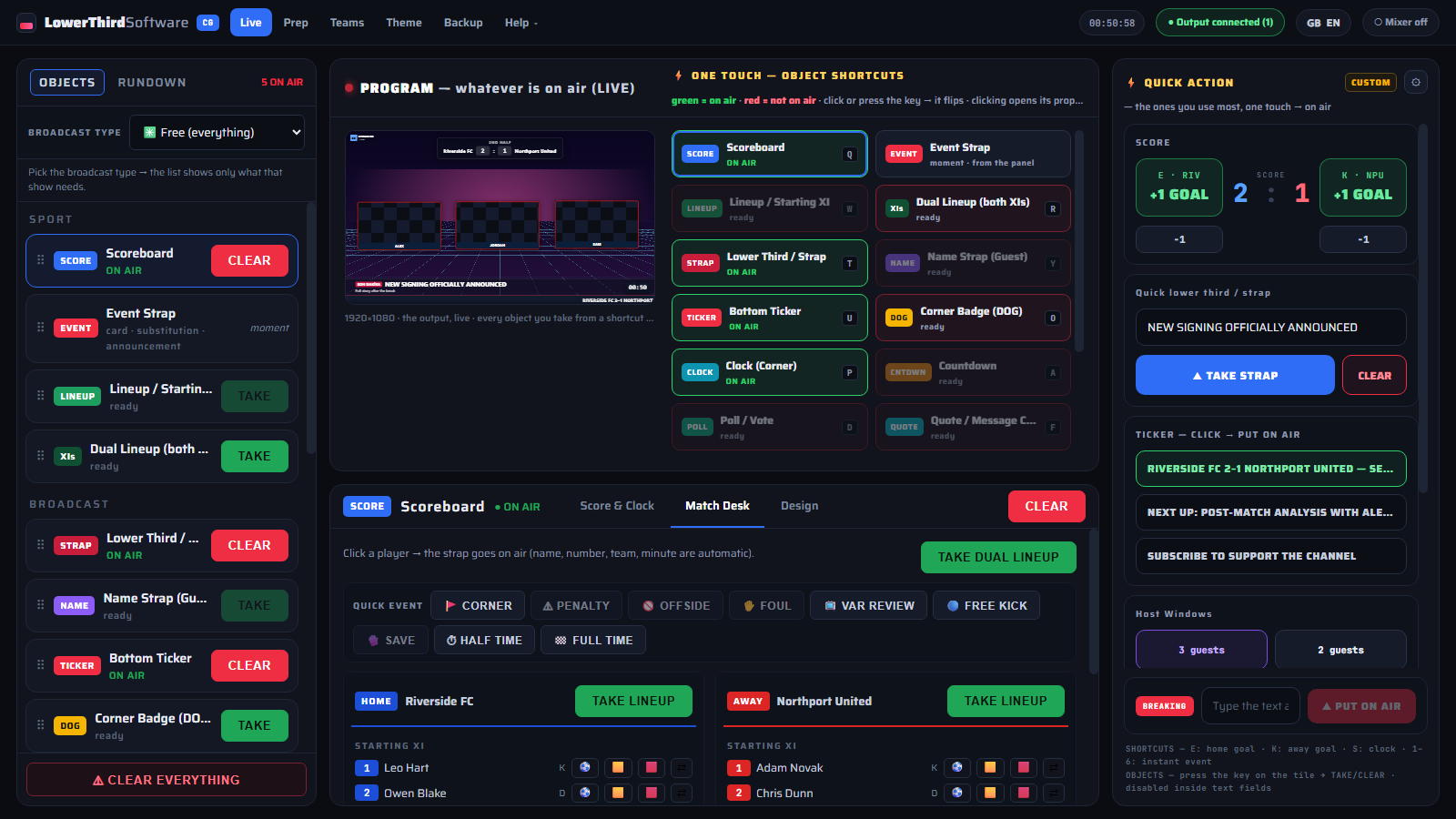
CueFinch is a character generator for live streams. It runs on your own Windows PC and sends animated HTML5 graphics to OBS, vMix, Streamlabs or XSplit through one transparent browser source. Scores, clocks and tickers update live without re-taking the graphic. It works offline, with no account and no capture card. Free 30-day trial; lifetime licence $199.
- Lower thirds and name strapsName, role, quote or social handle; animate in, hold, then clear by hand or by timer.
- Score bug and match deskTeam colours, match clock and period. Click a player, then an event, to put a goal, card or substitution on air.
- Ticker, sponsors and break screensNews ticker and breaking band, rotating sponsor banner, countdowns, polls and "up next" cards.
- Built for productionRundown for talk shows, layout designer, keyboard shortcuts, fill + key for ATEM, HTTP API for Stream Deck and Companion.
Run the perimeter LED panels of any sport from one panel.
Modern, web-based LED perimeter player and playlist manager for the advertising panels around football and every other sport. Uploaded media auto-fits the panel; goals, scores, time-outs, cards and other quick actions cut in with a single click and return. A browser is enough — easy to install, even easier to run.
- Auto-fit mediaUpload once — images and video are fitted to the exact pixel geometry of your perimeter panels.
- One-click quick actionsGoals, scores, time-outs and cards cut into the playlist and return to it automatically.
- Playlist managerBuild, reorder and schedule sponsor rotations for the whole match from one screen.
- Browser-basedNothing heavy to install — open it in a browser on any machine in the venue.
Test it with your own broadcast setup
Download the demo of your board and connect it to your mixer, OBS or vMix before you buy.